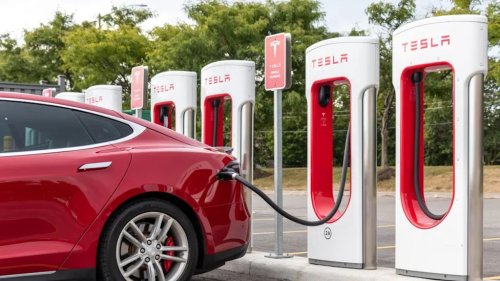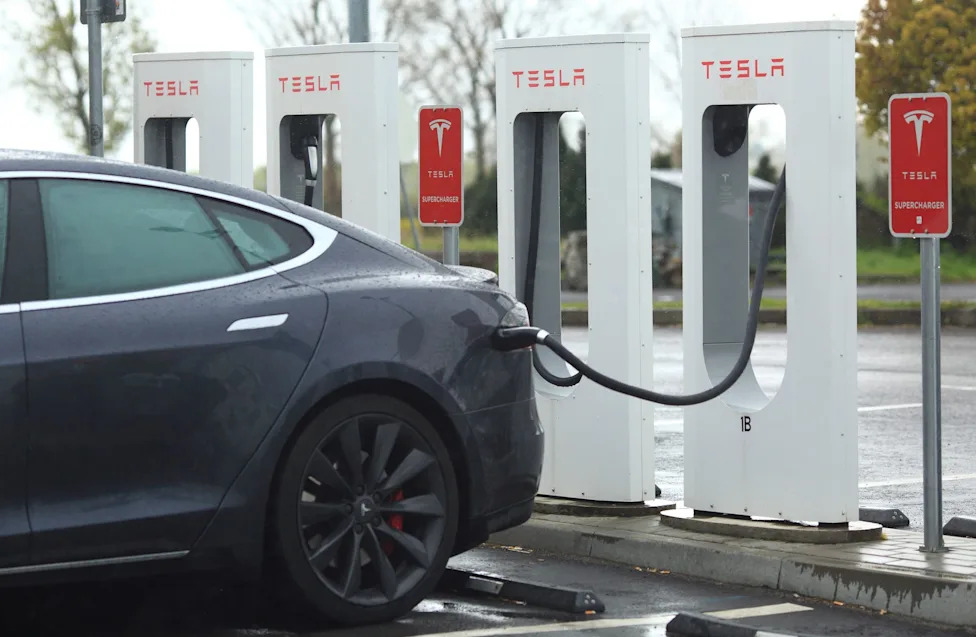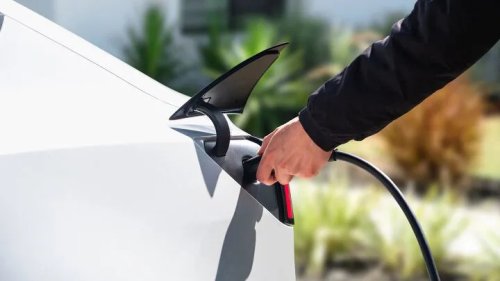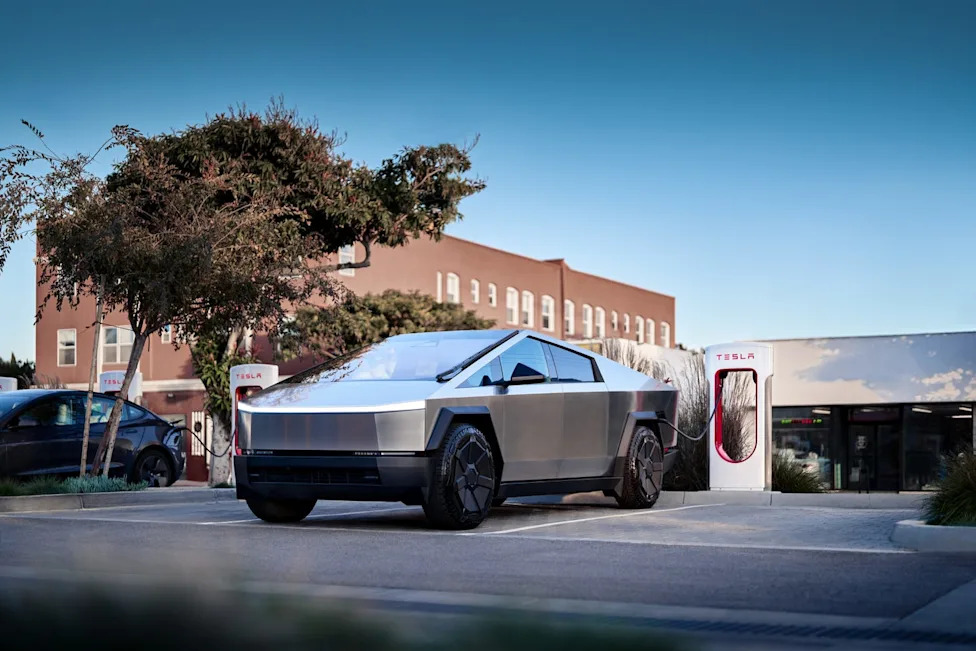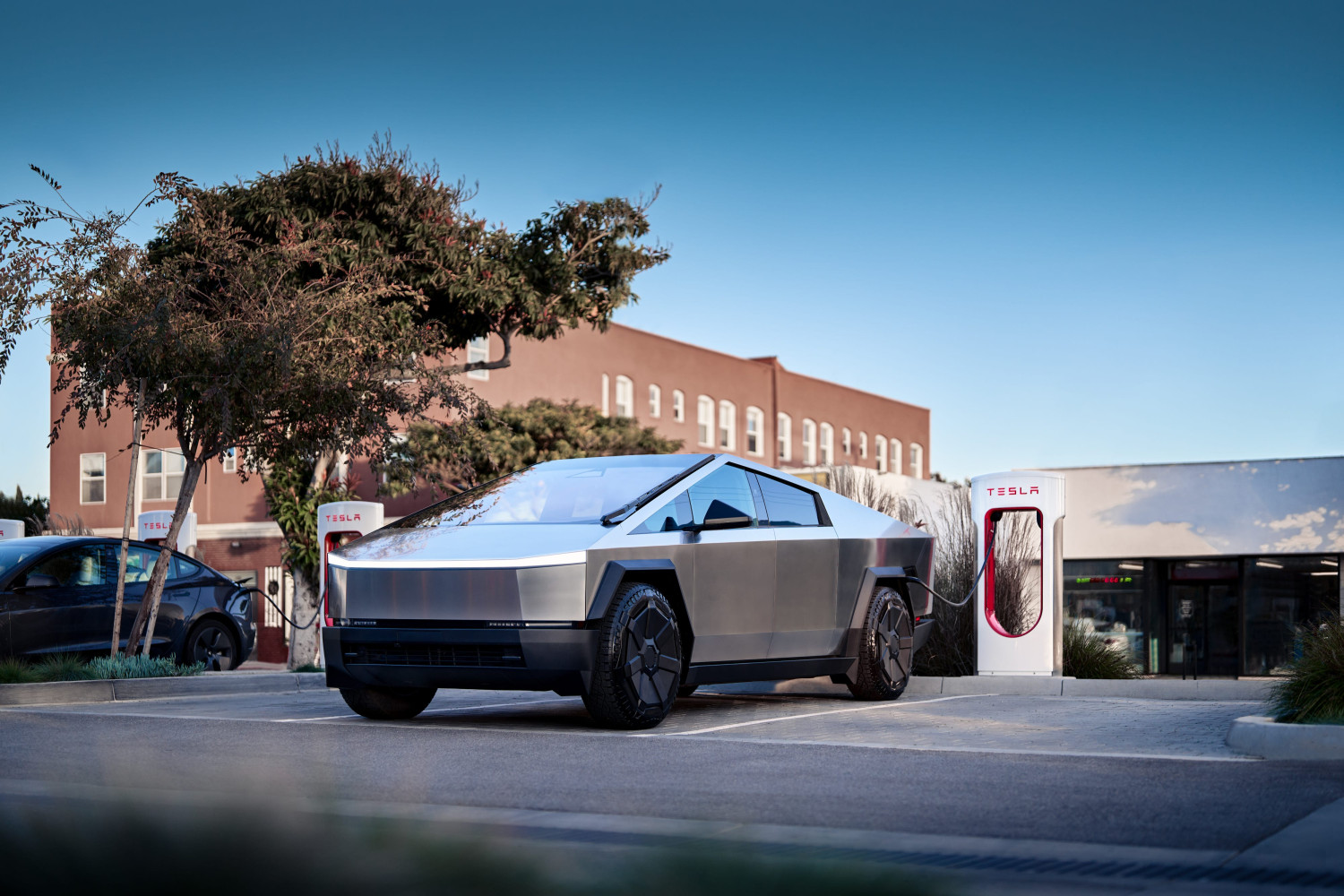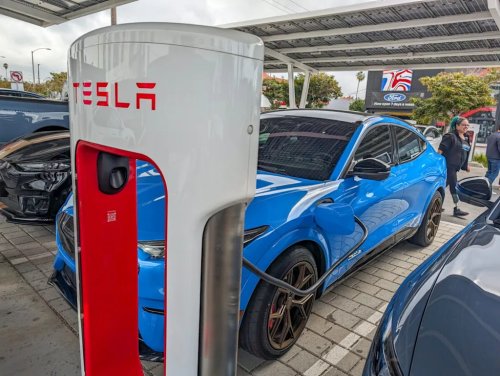
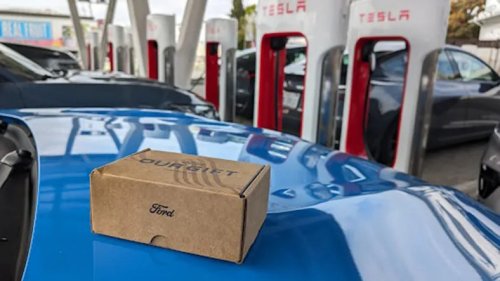
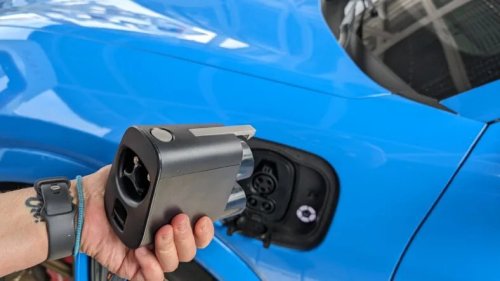
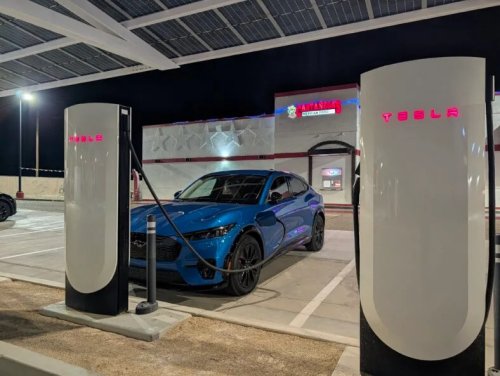
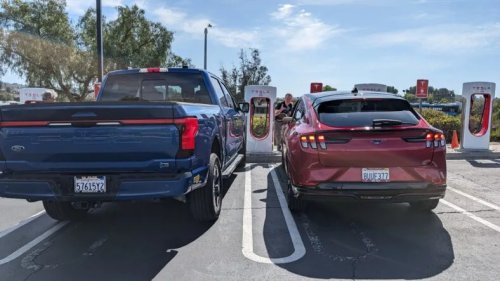
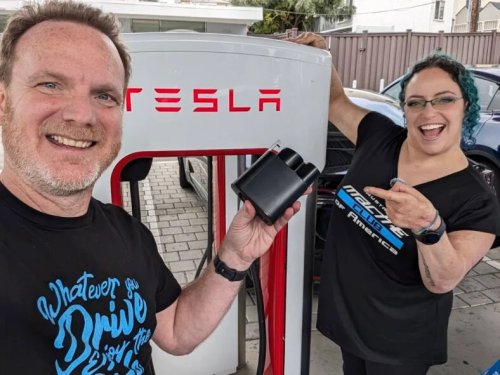


















What Non-Tesla Drivers Need to Know Before Using the Supercharger Network For the First TimeTesla's vast Supercharger network is available to more cars than ever before. Setup is fairly simple, but here's what you need to know as a non-Tesla driver.When I bought my first Mustang Mach-E, I was giddy, like a kid with a long dreamed-of toy. Until I had to charge it. While I was set up for home charging, my husband and I like to take road trips and that would mean charging along the route. And driving past all the Tesla Supercharger stations with their sleek, modern fast-charging terminals that only Tesla owners could use.Until a couple of years ago, that is. Tesla made its Supercharger network available to most EVs, opening up thousands of new fast-charging options to a wider range of EV owners. But there's a catch: the system wasn't originally designed with a diverse range of EVs in mind, and pulling up to one for the first time can feel a bit intimidating. Especially if you didn't do your homework on how to use it beforehand.AdvertisementAdvertisementIf you're prepping for your first visit to a Tesla Supercharger, then this is for you. This is everything you need to know to make that first Supercharge super simple, as I learned charging my Mustang Mach-E.This story is 100% human-researched and written based on actual first-person and dog knowledge, extensive experience, and expertise on the subject of cars and trucks.First, the Tesla Supercharger BackstoryFord gifting NACS chargers to their EV owners is a game changer. Photo: Liv LeighTesla's Supercharger network was originally exclusive to Tesla vehicles, while most other automakers adopted the Combined Charging System (CCS—like my Mach-E). In late 2022, Tesla opened up its proprietary connector design, renaming it the North American Charging Standard (NACS). Ford kicked off industry adoption by partnering with Tesla in 2023 to grant its drivers access via adapters. Other automakers jumped on board and started collaborating with Tesla and offering NACS adapters to their owners.While carmakers are now transitioning to native NACS ports on new models, most current CCS EVs still require an approved adapter (or a Supercharger stall equipped with a built-in "Magic Dock") to plug in.Step 1: Get Familiar With Your Car's Hardware and Buy the Right Adapter)My Mach-E has a CCS port, so I need a Ford-approved NACS adapter – Credit: Liv LeighIf you are driving an EV equipped with a CCS charging port, like my Equinox EV or Mustang Mach-E, you will need to get a NACS-to-CCS adapter. The opposite is true, too; if you want to charge at a CCS charging station with an NACS-equipped EV, then you'll need a CCS-to-NACS adapter. Many new cars will come with an NACS or CCS adapter free of charge, but almost as many don't.AdvertisementAdvertisementWhen shopping for an adapter to use a Tesla Supercharger, it's important to make sure you source an approved adapter directly from the manufacturer or a highly reputable aftermarket brand. Make sure it is explicitly UL 2252 certified for DC fast charging to keep your car safe.Step 2: Find a Compatible Tesla Supercharger StationNot all Tesla Superchargers are created equal, so do you research beforehand – Credit: Liv LeighNot every Tesla Supercharger stall is equipped to handle non-Tesla EVs. Older V2 stations (150 kW) lack the communication hardware needed to connect with third-party EVs, even with an adapter. Fortunately, the Tesla app makes finding compatible chargers straightforward:Download the Tesla app and set up your account.Input your vehicle details (make, model, year) and indicate whether you use an adapter or native NACS port.Filter the map to display only stalls compatible with your EV.Then, consider the membership. If you plan using a Tesla Supercharger more than once a month, Tesla offers a Supercharging Membership for $12.99/month (or $120/year). It lowers charging costs by roughly 20–30% (matching Tesla owner rates), meaning it typically pays for itself after around 100 kWh of charging in a month. You can subscribe for a single month during heavy travel and cancel afterward.AdvertisementAdvertisementFees to Watch Out For:Time-of-Use (TOU) Rates: Many stations have dynamic pricing based on peak hours. Shifting your stop earlier or later in the day can save money and help avoid lines.Idle Fees: Once charging completes, you have a 5-minute grace period to unplug. If the station is 50% full or more, Tesla charges an idle fee of $0.50 per minute, which jumps to $1.00 per minute if the station is full. (Fees do not accrue if the station remains below half capacity.)Congestion Fees: At select high-traffic stations, Tesla charges a per-minute fee (typically $0.50–$1.00) once your battery reaches 80% state of charge to keep stalls moving. You will receive a 5-minute grace period alert via the app.PRO TIP: All EVs charge at their fastest when they're at a low state of charge (and preconditioned) and will slow down their charging speed by over 80%. Think of it like a big sports stadium: When the stadium is empty, it's easy for everyone to pour in and find their seats, but as the stadium starts to fill up, it gets slower and slower for everyone to work their way to their seats. The same thing happens with our phones and laptops too. It's also a way of protecting the battery's health.Step 3: Where Is Your Charging Port?Because the Supercharger's cables were built for Tesla's, they're short—so you may have to get creative about parking – Credit: Liv LeighBecause the Tesla Supercharger network was originally designed exclusively for Teslas with a driver-side rear (rear-left) charge port, the physical layout can present some parking challenges for non-Tesla EVs, especially if their port is in a different location. V3 Supercharger cables are roughly 6.5 feet long, which, for an EV, is pretty short. So, if your EV has a driver-side front (front-left) or passenger-side rear (rear-right) port—common on models like the Ford Mustang Mach-E, Rivian R1T/R1S, and Hyundai Ioniq 5—the cable won't reach if you park straight in the designated bay.AdvertisementAdvertisementYou may have to pull very close, angle your vehicle, or back into an adjacent spot to use the neighboring stall's cable. Look for an end stall (far right) first to avoid blocking an extra charger. If you see another non-Tesla vehicle already charging offset, try parking in the stall next to them to keep blocked bays to a minimum.Newer V4 Tesla Superchargers feature cables roughly 10 feet long, mounted higher on the pedestal. These pedestals are great for us Non-Tesla drivers. The cables are longer, thinner, and lighter, so you shouldn't have any problems with getting into position to charge.Step 4: Starting Your Charging SessionWith the app, the right adapter, and know-how, charging at a Tesla Supercharger is easy – Credit: Liv LeighCharging is done using your carmaker's app and/or the Tesla app; be sure to put your credit card details in both apps before you start charging. Most Tesla Superchargers don't accept credit cards, though newer stations do. Depending on your vehicle's software integration, starting the charge flow involves one of three easy methods:Plug & Charge (Automated): If your vehicle and automaker network support ISO 15118 Plug & Charge (such as Ford or Rivian), the session authenticates and bills automatically the moment you plug in. Just ensure your public charging features are activated in your automaker's companion app beforehand.Tesla App Activation: If your vehicle doesn't support Plug & Charge, open the Tesla app, select your station, choose your specific stall number (e.g., 3B), and tap "Start Charging" before or right after plugging in.Direct Tap-to-Pay (Select V4 Stalls): Newer V4 dispensers feature built-in card readers and screens to satisfy federal NEVI requirements, allowing direct credit card tap-to-pay. These are nice for drivers who may not have their credit card details added to the app. These terminals support Plug & Charge, so you can pay however you like.AdvertisementAdvertisementPulling up to a Tesla Supercharger for the first time can feel a little intimidating—especially if you have to negotiate a tighter parking angle to help a short V3 cable reach. But once you get that first session under your belt, it quickly becomes second nature.Make sure you are using a carmaker-approved or UL 2252-certified adapter, check station compatibility in the app before you head out, and you'll be road-tripping like a seasoned pro in no time. Happy charging!