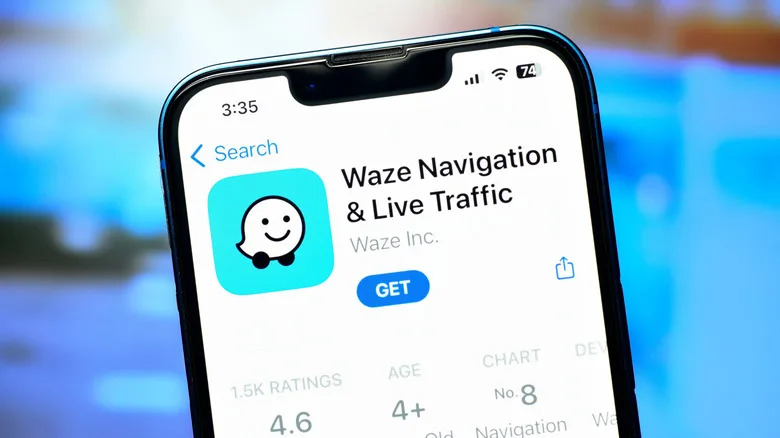
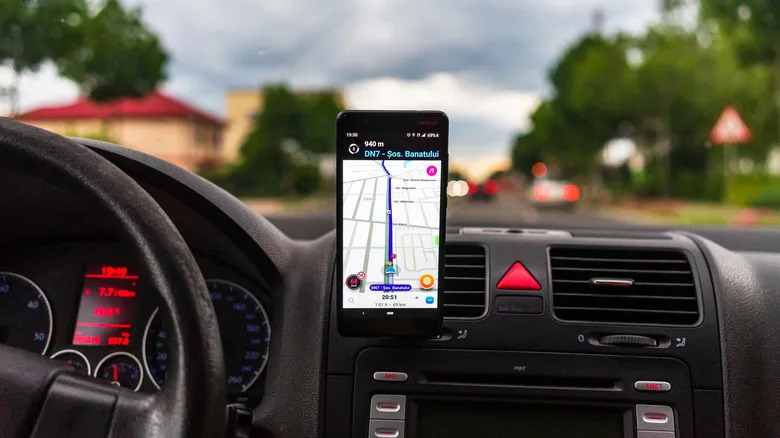























If Waze Is Talking Too Much, Try This New SettingBGRJorge LuisTue, September 22, 2026 at 11:17 PM UTCAdd us on GoogleFunstock/ShutterstockI'm a big fan of the Waze app, and it's my go-to map app after I became more privacy-focused and installed Graphene OS on my aging Google Pixel 6 Pro. I've used it for several months and found many reasons Waze is better than Google Maps, including a better interface, more comprehensive alerts, and personalized navigation based on previous trips. But the real reason I've always wanted to try Waze is its voice pack feature. It's a lot of fun to change the stock turn-by-turn voice to a different person, celebrity, or even cartoon character.And while it was interesting to hear SpongeBob SquarePants direct me to the local urgent care, it gets pretty old pretty fast. The novelty of a new voice wears off much quicker than you might imagine, especially if they keep repeating the same canned lines over and over again. Thankfully, Waze recently introduced a new feature that I've been using since it launched. Dubbed their Less Chatty mode, it's intended to offer fewer voice prompts while driving.Read more: 5 Reasons Why Some Users Dislike WazeFewer driving interruptionsVlad Ispas/ShutterstockActivating the new Less Chatty mode inside the Waze app is easy. Simply load the app and tap on the speaker icon in the top right. From here, you tap the Less Chatty tab to activate the mode and get fewer distractions, but still have your basic directions done by your favorite voice. I use Less Chatty mode when driving alone, having heard everything from a given voice. I like to set it to normal when driving with a friend or family member, since it's a lot of fun to hear their favorite voices help get them home.AdvertisementAdvertisementTo be clear, this new mode won't stop all alerts, especially ones about road conditions and upcoming turns, but it will keep them much shorter and to the point. This way, Nate Bargatze won't give the same dad joke for the third time on my way to Home Depot. The idea is to let the driver focus more on the road and their audio content. That's one reason Waze has become my go-to map app, but there are other Google Maps alternatives users swear by for those interested.Enjoyed this article? Sign up to BGR's free newsletter and add us as a preferred search source or follow us on Google for the latest in tech and entertainment, plus tips and advice you'll actually use.Read the original article on BGR.