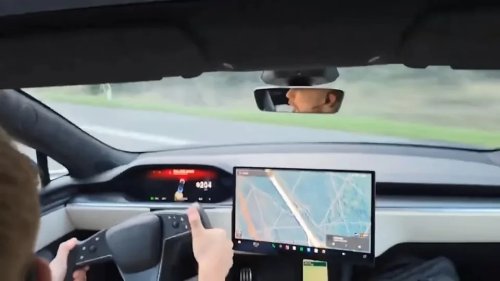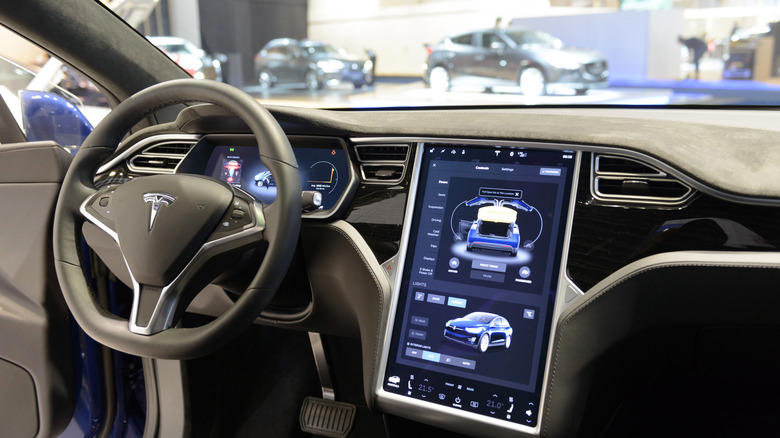





















Climate control functionsOne of the first things that new Tesla owners will want to play around with is the climate control settings. Through the voice command functionality, a Tesla driver can adjust a number of essential air conditioning and other climate control features without having to focus on the center console. Simply press your voice command button on the steering wheel and direct the car accordingly.Some basic voice command features include "make it cooler," and "make it warmer," which will each adjust the temperature in the vehicle by 3 degrees Fahrenheit (either lower or higher, respectively). You can also give a specific command regarding the temperature if a more drastic change is required. This can be done on the driver or passenger side. You can also ask the vehicle to "direct airflow to..." in order to focus the vents on yourself (for instance on your face) or somewhere else.Tesla voice commands also come in more creative layouts. Users have reported a number of funny additions that are sure to elicit a chuckle from passengers who've never had the Tesla experience before. Users have found that the voice command "eject the passenger seat," directs a Tesla to turn on the passenger seat's warmers to full blast. A less comedic option is to simply use the command "set seat heater to X."Communication toolsWith voice commands, you can direct your Tesla to call or text any individual that you might need to contact. The hands-free communication option makes staying in the loop simple. Simply press the voice command button on your steering wheel and then tell the control unit what you need it to do. You can dictate a message and send it (and then ask the vehicle to read any responses that may come back), or direct the Tesla center console to call a contact or read out a phone number.Press the voice command button and then say "call X," or "text X." You'll need to have your phone connected to the car via Bluetooth to enable communication features like this. But thankfully, you can initiate the steps to establish a Bluetooth connection through the voice command feature as well. Say "show Bluetooth" to get your center console to jump straight to the connections page. After you've connected your device, remaining in contact without having to look at or even touch your phone will keep you safer while on the road.windshield wipers and the defogger featuresThe wipers and defoggers are key features that can be controlled through the use of voice commands. This may be particularly important for Tesla owners who live in wet and cold areas of the country where fog is a particularly prevalent issue. It's also useful for those who often drive early in the morning and have to manage their attention on the road through a thick layer of early morning dew, haze, or fog. Wipers are a universal feature for car owners, and they're often easy to control from a standard driving position. Still, voice commands make the process of changing wiper behavior simple.You might be a natural at pressing these defogger buttons in the car while driving, but for some, that split second of lost focus on just the road ahead can be nerve-wracking. "Wipers increase/decrease" will change the windshield wiper speed by one measure, or you can say "set wipers to..." and select a speed that's appropriate for the conditions ahead. The defogger and rear defroster work similarly: Say "turn on [or off] the defogger" to engage or disengage the front windshield defogger. Alternatively, you can control defroster behavior by saying "turn on [or off] the rear defroster"