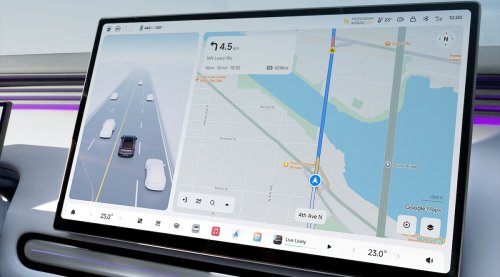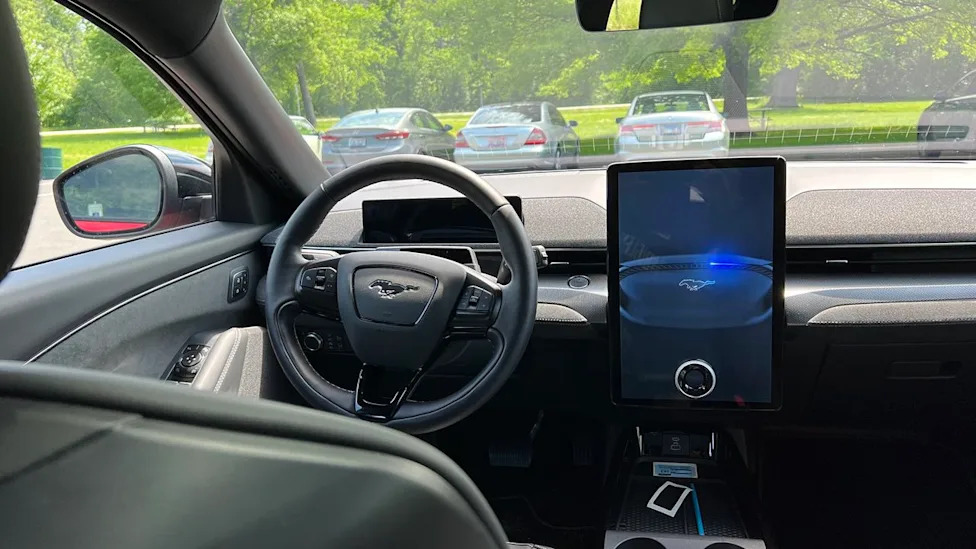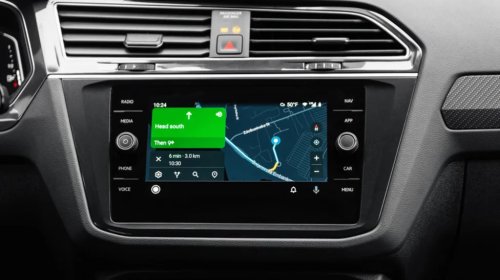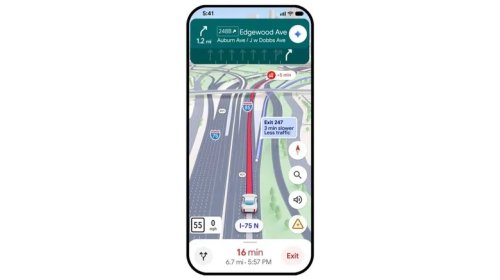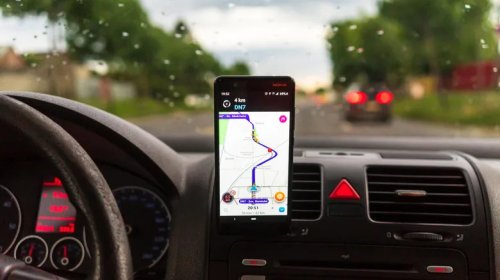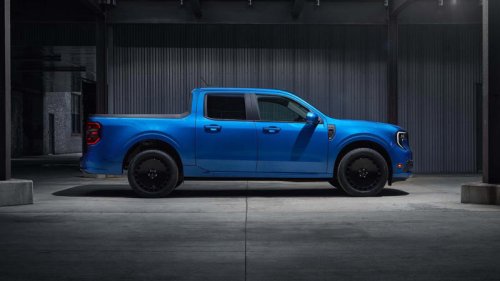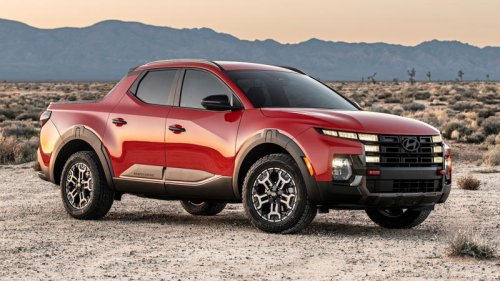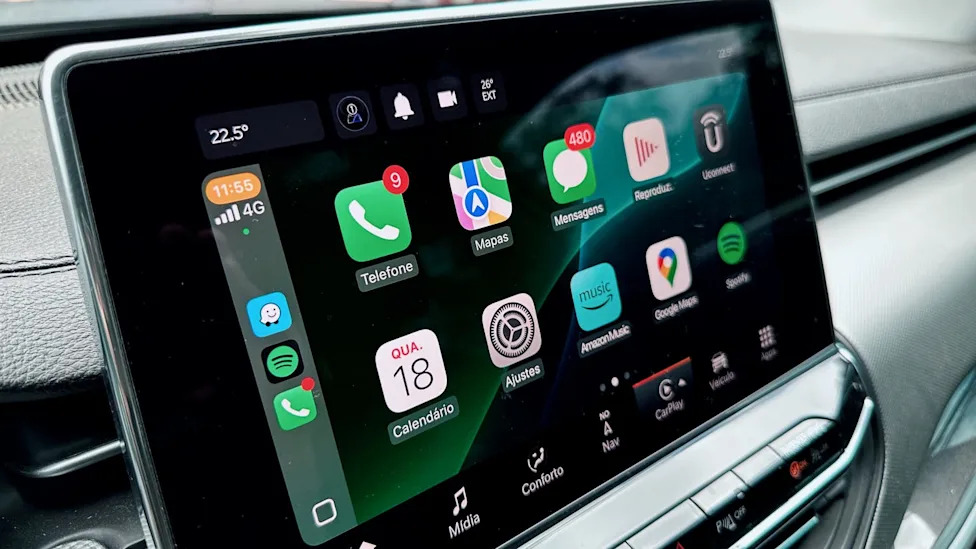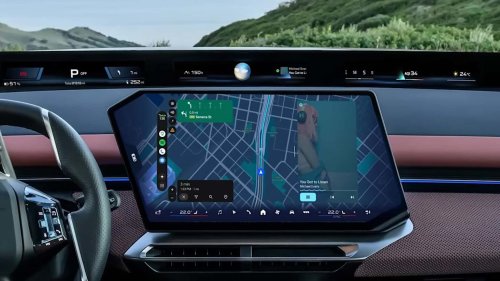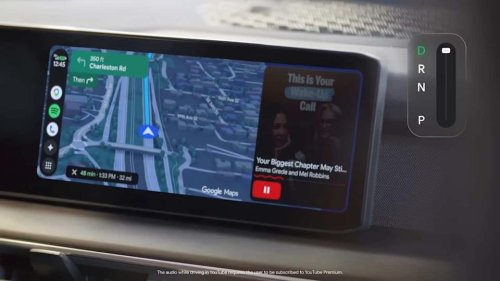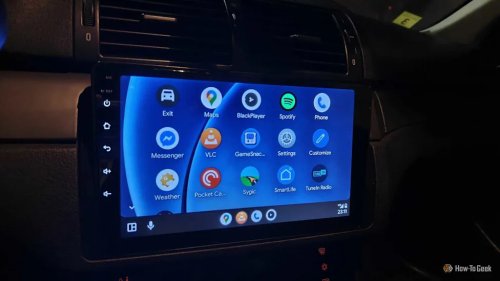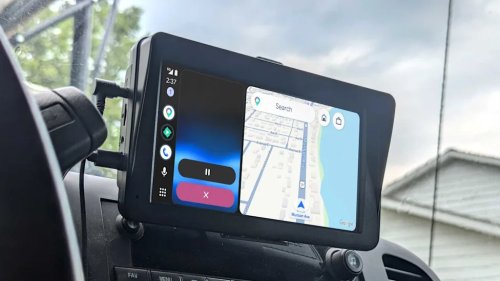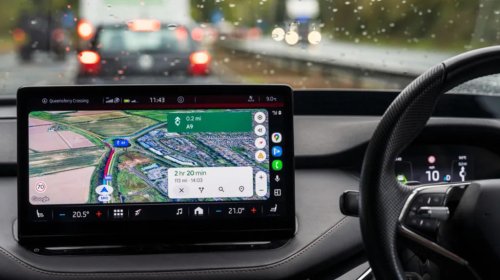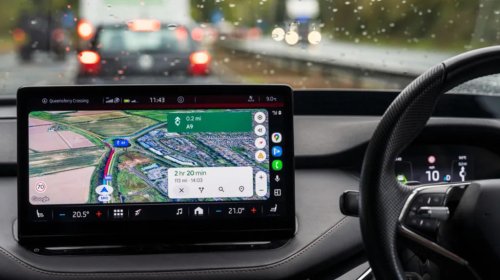
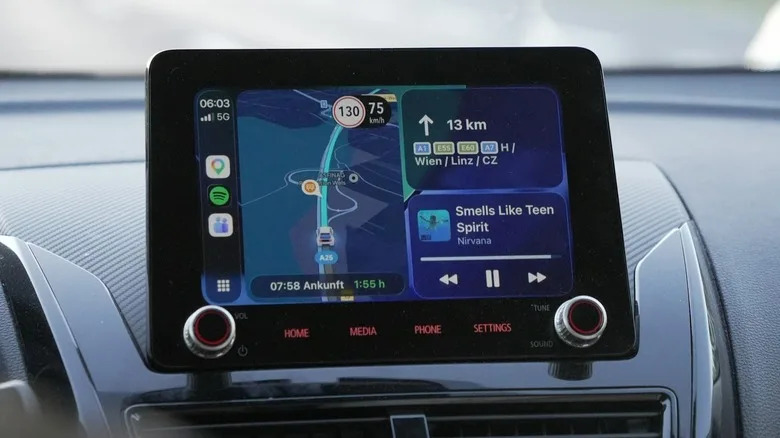
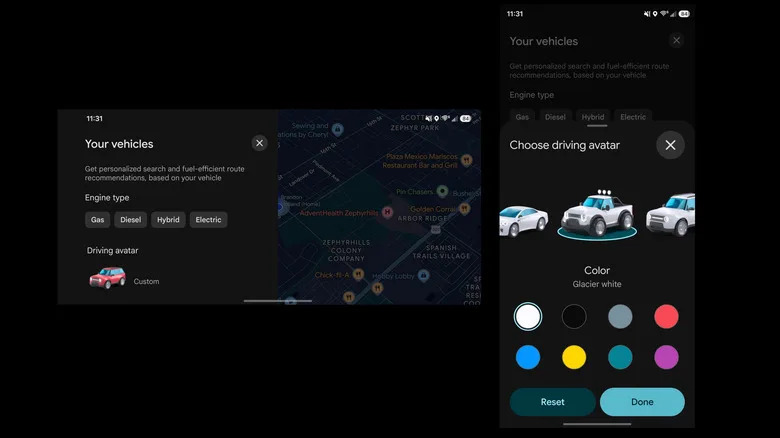



















You Can Change Your Google Maps Car Icon Without Even Touching Your PhoneBGRBriley KenneyTue, September 22, 2026 at 12:47 PM UTCAdd us on GoogleJulian Gojani/UnsplashHave you ever looked at that basic blue arrow in Google Maps, a representation of your vehicle on the road, and wondered what it would look like as something more fun? With the latest version of Google Maps for Android Auto and CarPlay, you no longer have to wonder. Even better, you don't have to touch your phone to make the changes.As reported by Android Authority, in Android Auto version 17.8.163744 and Google Maps 26.38.0, you'll now see an option labeled Driving Avatar in the settings, which allows you to customize the look and color of your vehicle icon. The customization feature originally came available back in February 2025, and around May 2026 those visual changes were brought to Android Auto. However, users could only change that avatar through the Google Maps app on their phones — that's no longer the case.Now, users are able to open the Google Maps app through the Android Auto, which means they can do so on their car's screen. Though entirely visual in nature, this yet another hidden Google Maps features that can make your trips a little better. To make the change from the Android Auto on your dashboard, tap the settings icon (a gear) with Maps open and select Driving Avatar, and then customize your icon. From the Google Maps app, go to Settings > Your Vehicles > Driving Avatar, and then select the options you want.AdvertisementAdvertisementRead more: Every Major Android Phone Brand Ranked From Worst To Best, According To UsersWhat changes can you make to your avatar and what does it do?Briley Kenney/BGRThe avatar is nothing more than a visual flair. It's cool to look at and it shows you, your vehicle really, as something different than a boring blue arrow. As of right now, within either the Google Maps app on mobile or Android Auto, you can customize the type of vehicle or the look and then choose from several preset colors. Avatars available include the blue arrow, a sedan, a truck, an SUV, a sports car, a small EV, and legacy icons — a red car, green pickup, and yellow station wagon.Admittedly, there's not much use yet for the custom avatars outside of the visual aspects. But there are some Google Maps settings similar to it that drivers should enable, if they haven't already. That includes downloading offline maps you use often, sharing trip progress with family and friends, and enabling media playback controls. You can also make sure Google Maps tailors route suggestions to your needs, which is something that's going to come in really handy through Android Auto or CarPlay.When all is said and done, though, outside of those more practical settings you can adjust, there are no major changes here functionally. The avatar does have a certain whimsical nature to it, especially when you see it chugging along down local roads and highways on your car's dash display.AdvertisementAdvertisementEnjoyed this article? Sign up to BGR's free newsletter and add us as a preferred search source or follow us on Google for the latest in tech and entertainment, plus tips and advice you'll actually use.Read the original article on BGR.