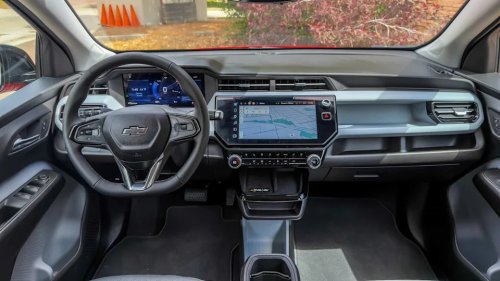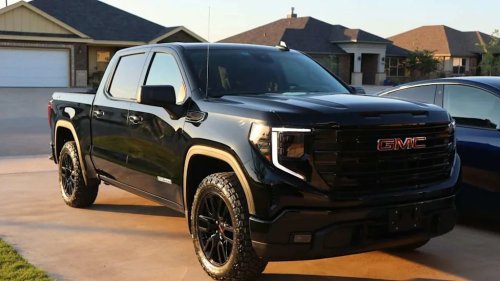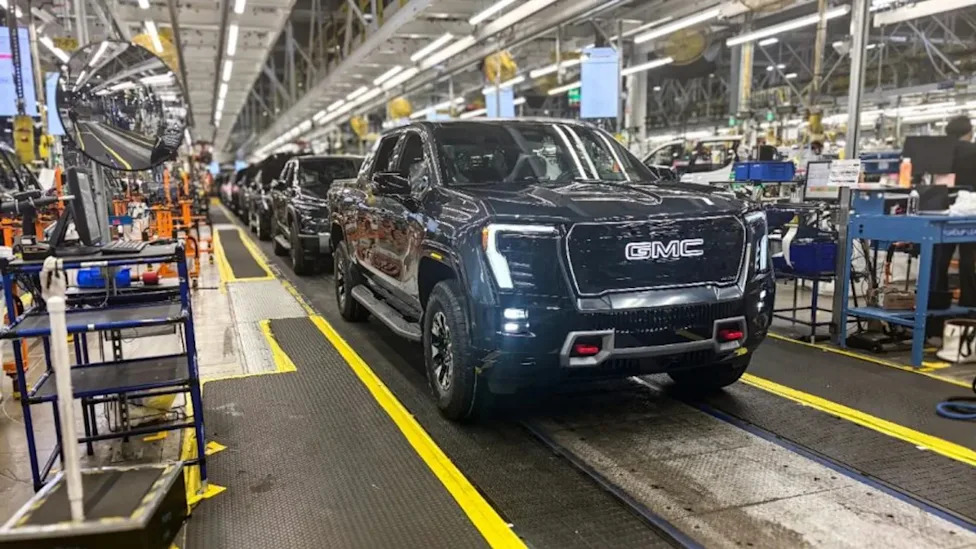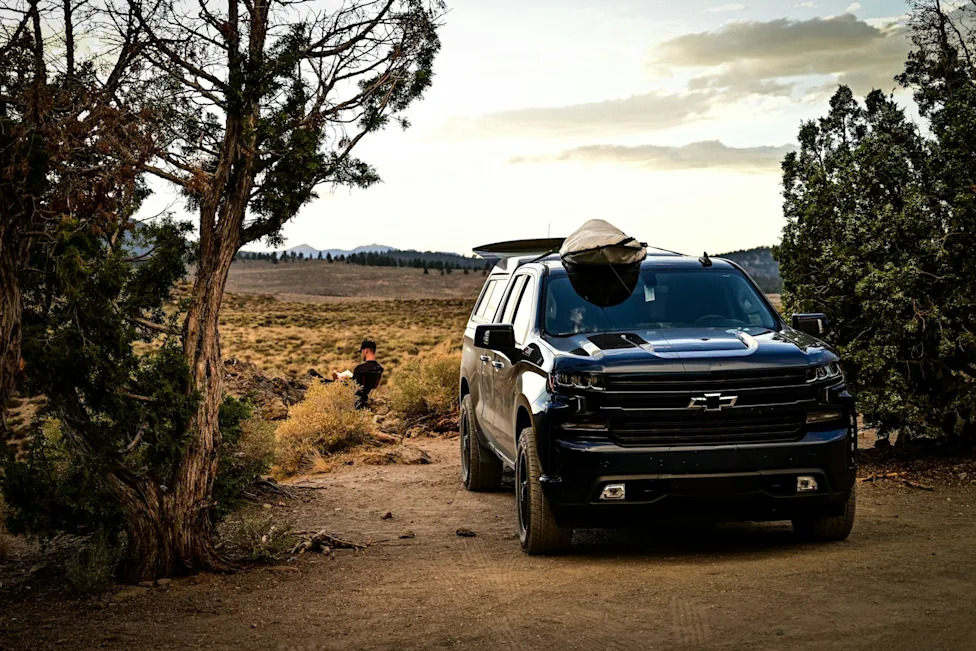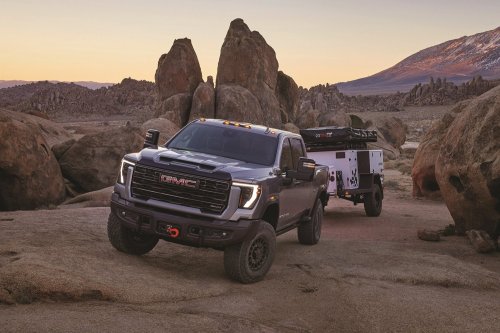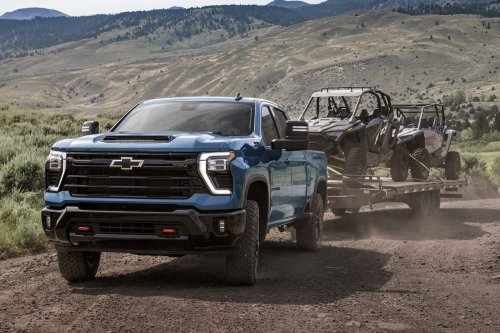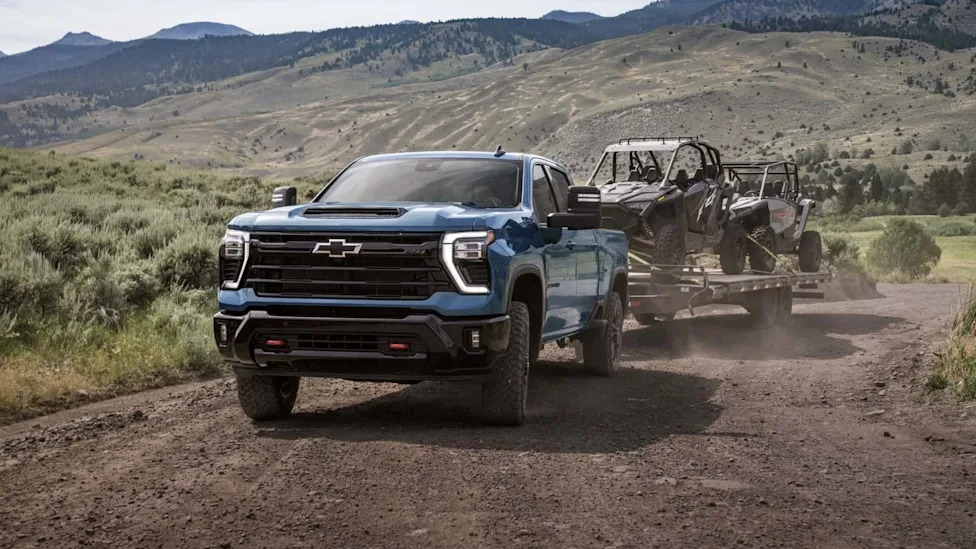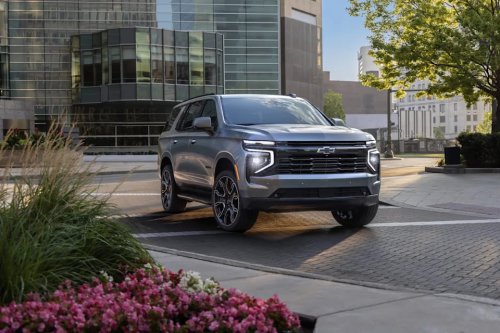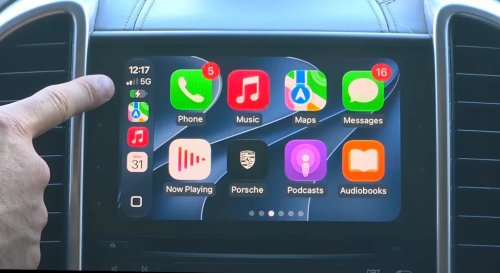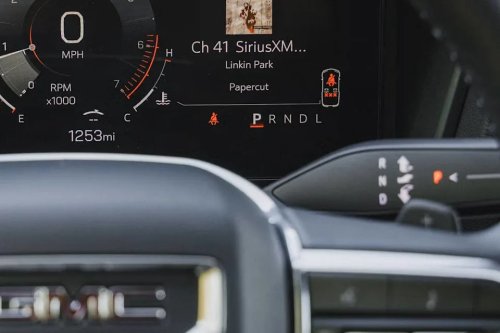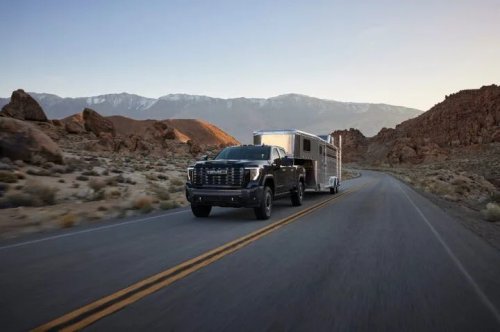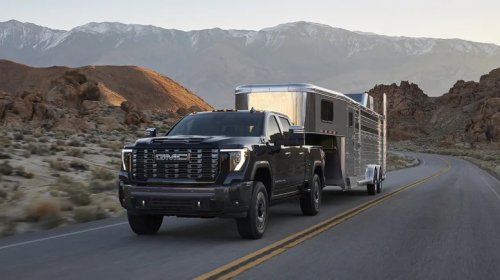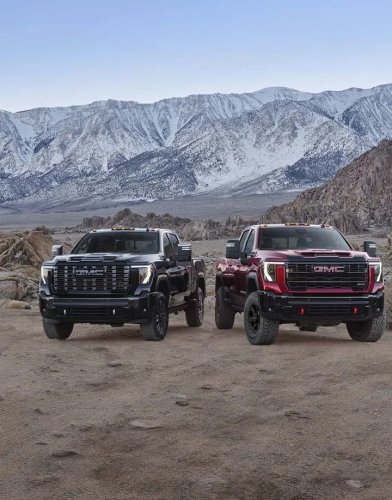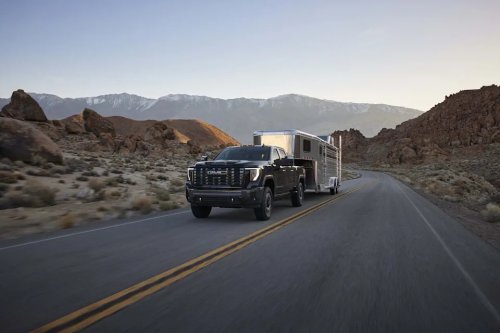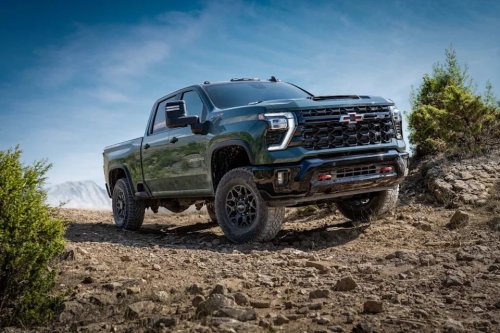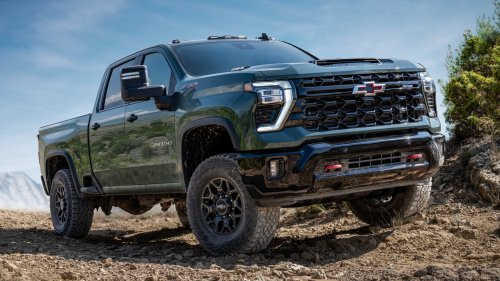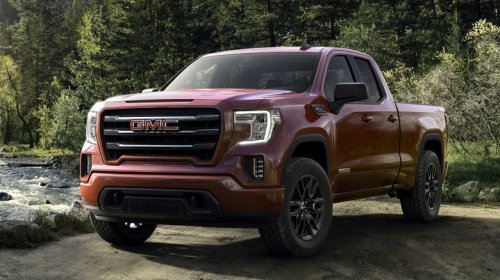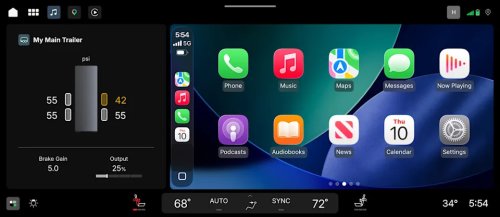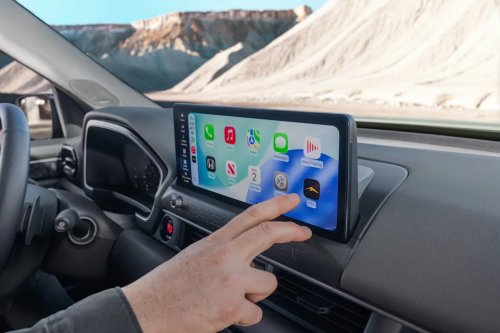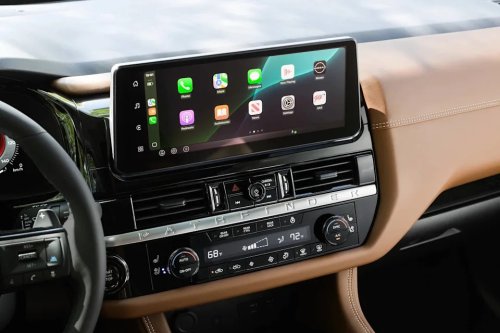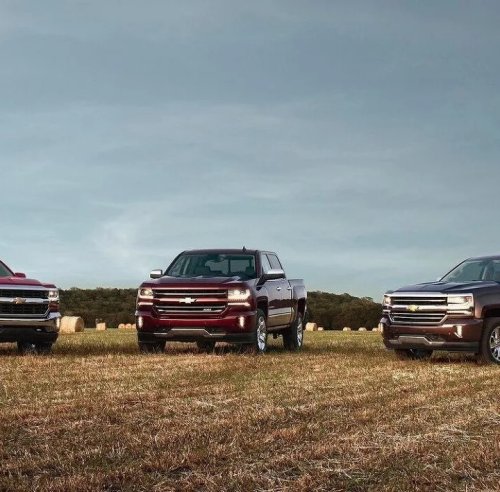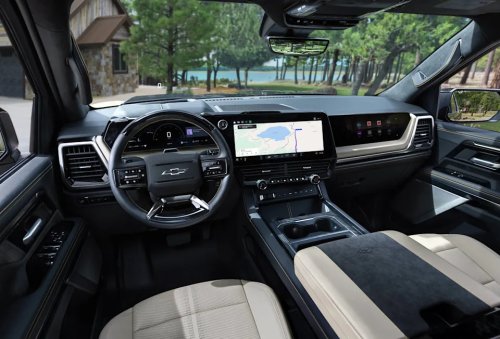
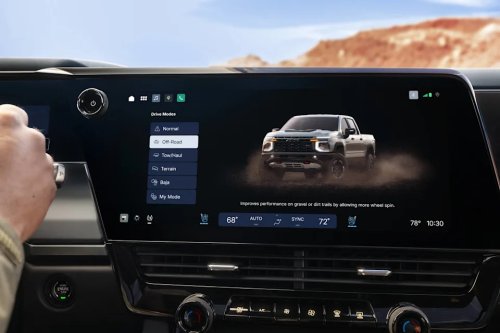
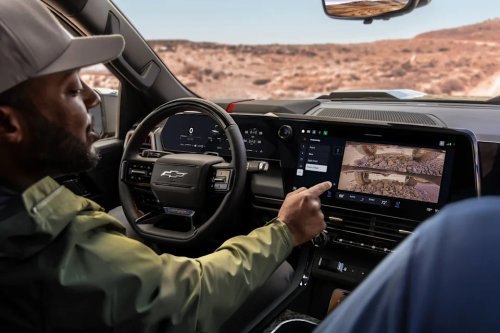
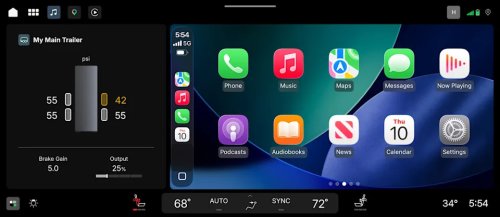
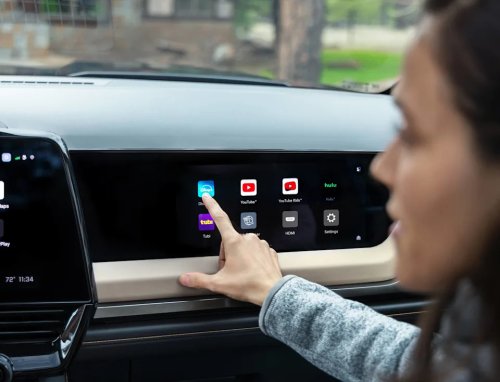



















GM Unveils All-New In-Vehicle User Software for Its 2027 PickupsAutoblogJames OchoaTue, September 15, 2026 at 11:00 AM UTCAdd us on GoogleAutoblog and Yahoo may earn commission from links in this article.We Love Our TrucksIt's easy to say that American motorists are obsessed with their pickup trucks. Sales data shows that last year, five out the top ten bestselling nameplates in the country belonged to them, representing millions of units that saw homes on American driveways. No one knows this phenomenon better than General Motors. According to them, nearly one of three vehicles it sells is a full-size pickup truck like a Chevrolet Silverado or a GMC Sierra. They recognize that these vehicles have evolved beyond their utilitarian use and function as personal vehicles; with customers using them both as a mobile command center and as everyday family haulers.In response to increasing customer demand for better, more intuitive in-car technology, GM is rolling out a completely redesigned in-vehicle user interface that will make its debut on the screens inside vehicles the 2027 Chevrolet Silverado and GMC Sierra pickups. They claim that while the slick, new software is as sleek as the revised sheet metal, it'll help customers navigate the trucks' new, bigger screens with ease.General MotorsAutoblog got an early walkthrough of the new system with Colin McCormick, GM's group product manager for its projection, profiles and Google built-in systems, and what he showed us is a platform built around a simple idea: ease of use. It wanted to stop making customers hunt for things, and stop yanking them out of whatever they were already doing. The automaker is attempting to do it with its new UI, which is built as a scalable software and design framework that can be adapted for any one of its vehicles, though it is currently focused on launching it in the new Silverado and Sierra.AdvertisementAdvertisementTrucks weren't an obvious place to start a project like this. GM itself noted that the pickup market wasn't historically shaped much by infotainment trends. However, they found that pickup buyers have stressed screens and software as much as the rest of the industry, as infotainment ranks among the top three purchase drivers for new car shoppers. Combined with the fact that the Silverado and Sierra are GM's highest-volume vehicles, that made the light-duty trucks the logical first stop for a framework built to scale.General MotorsA Home Screen That Refuses to Be an App LauncherThe most immediate change is what greets you on startup. Instead of launching users into a tablet or smartphone-like grid of app icons, GM built what it called a custom split-view home screen: a large, fully interactive Google Maps window alongside a smaller, editable card for things like audio, vehicle status, or trailering."We don't drop you into an app launcher […]," McCormick told Autoblog. "The intention is that there's a reliable, comfortable, known place that you're going to land every time you start up your vehicle, rather than just an app launcher that you'll have to decide which place you want to go."The logic is that these widget-like cards are immediately interactive. Tapping the small card, or the map itself, flies out into the full experience with an animated transition rather than a hard transition to launch an application, which directs users to the command itself. The notification tray also follows a similar logic, which takes a page from the smartphone user experience. Swipe down from the top, and you get a layout that McCormick directly compared to notification shade on an Android or iPhone. Here lies a set of user-configurable quick toggles for all various types of functions like muting the mic or switching driver profiles, which are stacked above phone, message, and third-party app notifications.The Cluster Gets Mode-Aware — Including a 3D View of What Super Cruise SeesThe instrument cluster now shifts its entire layout depending on what you're doing. There's a standard gauge view, a stripped-down minimalist view for when you just want a speedometer, dedicated trailering and off-road layouts, as well as a new 3D visualization view that renders what the vehicle's sensors are actually seeing, including other cars, pedestrians, crosswalks and lane markings.AdvertisementAdvertisementThat view works with or without Super Cruise engaged, but it was clearly designed with hands-free driving in mind. GM has said customers have now logged over a billion miles on Super Cruise and the team heard consistently that letting go of the wheel for the first time can be unnerving."For the sake of confidence in the system, they want to see what the vehicle's seeing," he said. "This is the one I use most of the time now."General MotorsTrailering Gets Treated Like a First-Class FeatureFor a truck-first launch, one of the priorities was support for those who tow trailers. Plug in a trailer and the whole UI adapts automatically; they get a dedicated cluster view, a trailering card on the center screen tracking brake gain and tire pressure if the trailer's equipped for it, and Google Maps trailer-aware routing that factors in height and weight to steer drivers around low overpasses.McCormick noted the experience is designed to require zero setup for returning truck owners, a process that formerly required users to input data about their trailers manually. "If you have it saved to your GM profile, that trailer profile would get ported over when you go in and plug it in," he said.AdvertisementAdvertisementThe hardware side gets just as much attention. A dedicated hitch-view camera helps line up a trailer without needing a spotter, while underbody terrain cameras handle the reverse problem off-road, showing drivers what's hidden beneath the truck on tougher trails. On the maintenance side, a mobile app feature lets owners run a full trailer light check, including brake, turn signal, reverse, running lights directly from their phone instead of walking back and forth between the cab and the hitch.Phone Calls No Longer Take Over the ScreenAccording to McCormick, one of the more granular changes came directly from customer complaints, which was that incoming calls used to hijack the whole display. Now an incoming call arrives as a smaller window and an accepted call is left as a small persistent icon and timer at the top of the screen, which leaves whatever you were doing — whether using the navigation, playing music, using a trailering view, virtually untouched underneath."You shouldn't be abruptly taken out of whatever you're doing just because you got a phone call," he said, adding that the scenario came up constantly in customer research, particularly for drivers navigating with a trailer attached.That said, McCormick noted that the experience isn't fully consistent yet across every connection type. Android Auto benefits from deeper native integration since both systems run on Android, but Apple CarPlay isn't yet woven into GM's native dialing experience the same way — meaning a CarPlay call can still surface differently than a native one.AdvertisementAdvertisement"That is something we want to look at improving," he said, noting the team is in ongoing conversations with both Apple and Google to iron out the inconsistency so drivers don't have to think about which connection type they're using.General MotorsView the 2 images of this gallery on the original articleApple CarPlay and Android Auto Get a Real Seat at the TableRather than making owners choose between GM's native system and phone projection, the new UI integrates Apple CarPlay and Android Auto as part of the system. In a press release, Mike Wahlstrom, GM's Executive Director for Product Management Connected Apps and Services noted that its customers really like the user-centric experience of CarPlay and Android Auto, and that they also wanted a way to still have quick access to their vehicle's features.The new software integrates CarPlay and Android Auto by placing it in the same large card that the native navigation software would normally occupy, leaving room for access to important vehicle controls. With this implementation, music controls, full-screen navigation and other projected content within CarPlay and Android Auto seamlessly blend into the same visual language as the built-in apps.AdvertisementAdvertisement"As we evolve our UI systems, we want customers to feel like they're interacting with a single experience rather than moving from room to room inside a house," Wahlstrom said. "It's more of a curation of experiences, and it removes the mental load for a driver to decide where to go next, which experience to use next. It's much more intuitive and clean."General MotorsThe Passenger Gets a Screen of Their OwnHigher-trim trucks get a dedicated front passenger display, hidden behind an articulating trim piece that drops down to reveal it. Through this screen, the passenger sitting shotgun can browse a various built-in streaming apps, including Amazon Music, Disney+, Hulu, YouTube, as well as a built-in web browser. Users also have the ability to stream audio through their own Bluetooth headphones, use their smartphones as a remote or plug in a personal device through a nearby HDMI port mounted low near the passenger's knee. The screen uses polarized technology so the content is only visible from the passenger seat, meaning it stays usable while the truck is moving without becoming a distraction for the driver.The driver doesn't lose all say over what's happening on that screen, though. A dedicated entertainment app on the center display lets the driver see what app the passenger currently has open and what they're watching, lock the passenger display outright if needed, or pull that audio out of the passenger's headphones and pipe it through the cabin speakers so everyone in the truck can listen together.Despite the bigger emphasis on screens and software, GM didn't rule out using physical controls for important functions. McCormick framed the decision on whether certain controls needed to be digital or physical based on a hierarchy. Some controls like HVAC, defrost, and the trailer brake gain slider work best as physical buttons and knobs, as they are the controls drivers reach for constantly and want to find by feel without taking their eyes off the road.AdvertisementAdvertisementHowever, other functions stay physical but gain extra capability once they're paired with software. McCormick noted certain functions like garage door remotes, which now support more than three presets instead of the old three-button hard limit. In addition, they also include geolocation, which allows for a saved remote to automatically surface on the quick-access menu once the truck pulls into the driveway. Heated and ventilated seats work similarly, as the system remembers which function and strength a particular driver actually uses. A single tap would turn on the exact, right setting without the user having to cycle through a menu every time they want to use it.Related: Don't Underestimate The 2027 Silverado Work TruckThe Focus, for Now, Is TrucksGM states that due to the nature of its software-defined architecture, what they will experience once they hop into a 2027 Silverado and Sierra is "only the beginning." They note that continuous over-the-air (OTA) software updates will continually evolve their in-vehicle experience through new features and performance refinements.The automaker confirmed that the new UI will debut in the 2027 model year Silverado and Sierra. While McCormick and GM's communications team did not expand on any future plans regarding implementation across its diverse product portfolio, they noted that launching this redesign on GM's pickup trucks — its highest-volume vehicles, was a deliberate statement of confidence.AdvertisementAdvertisement"Normally when we launch changes like this, we'll do it on a smaller architecture," McCormick said. "But I think this kind of shows how confident we are in this adaptability and the cohesiveness between projection and the native system, that we're willing to put it on our bread and butter."This story was originally published by Autoblog on Sep 15, 2026, where it first appeared in the News section. Add Autoblog as a Preferred Source by clicking here.