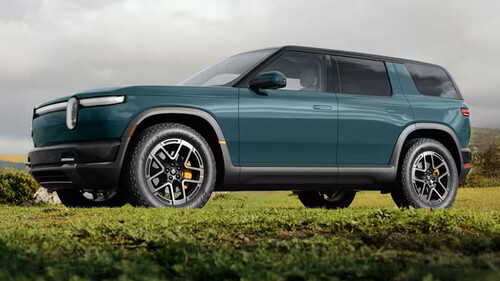
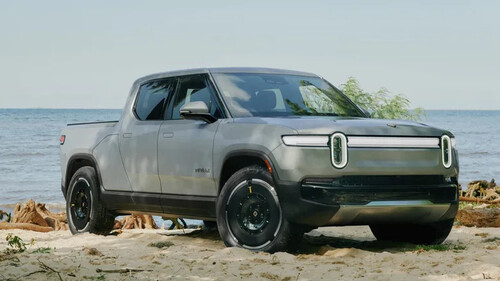
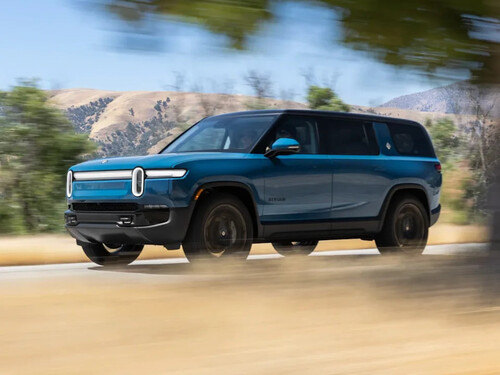
what to know before putting a car key on iphone, Photo Credit ApplePhoto Credit: AppleApple's digital car key feature has grown from a narrow 2020 rollout into a more useful Wallet option for drivers with compatible vehicles and iPhones. The core pitch is straightforward: an iPhone can store a cryptographically secured digital key that locks, unlocks and, depending on the car, starts the vehicle without requiring a traditional key in hand.Not always, but buyers should plan as if proximity may be required. Setup methods vary by automaker and model, and some vehicles may require the iPhone to be near the car during pairing. In some cases, the process may also require physically touching the iPhone to the vehicle's key reader so the phone's NFC chip can sync with the car.AdvertisementAdvertisementThat is the most important practical caveat before relying on the feature. Apple does not clearly identify which cars or which Car Key functions determine whether setup can happen away from the vehicle, so the safest expectation is that the car, the owner account and the iPhone may all need to be available during activation.What Apple's CarKey actually doesApple added digital car key support to the Wallet app with iOS 14 through its CarKey API, while also supporting devices running iOS 13. The feature lets developers and automakers place a digital vehicle key inside Wallet, where it can lock or unlock a compatible car with a tap.The system uses the Car Connectivity Consortium's Digital Key specification. NFC handles tap-based locking and unlocking, similar to Apple Pay at a terminal. Bluetooth can support remote locking and unlocking, while passive entry uses Bluetooth plus the iPhone's U1 ultra-wideband chip to determine proximity before unlocking, locking or starting the vehicle.Apple's Express Mode is the convenience feature shoppers should focus on. When enabled, it allows supported car-key functions without first unlocking the iPhone. After pairing, Apple says Express Mode is automatically enabled, so the car can unlock without removing the iPhone from a pocket.Which iPhones and cars support itThe minimum hardware requirement is an iPhone with NFC running iOS 13. That means an iPhone XS or later, or a second-generation iPhone SE or newer. Passive entry requires an iPhone or Apple Watch with Apple's U1 ultra-wideband chip.what to know before putting a car key on iphone, Photo Credit ApplePhoto Credit: AppleAdvertisementAdvertisementVehicle support has expanded since the original BMW 5 Series launch. Engadget cites examples including Hyundai's Tucson, Ioniq 5 and Ioniq 6, plus Rivian's R1T and R1S. Apple does not maintain a standalone public list of cars supporting digital keys, instead directing customers to confirm with the car manufacturer. Its CarPlay compatibility list does indicate which models offer digital keys, making it a useful starting point.Apple lists supporting brands as Audi, BMW, BYD, EXEED, Genesis, Hyundai, Kia, Lotus, Mercedes-Benz, Mini, Nio, Polestar, Ram, Rivian and Volvo.How setup startsThe setup path depends heavily on the automaker. A driver may receive an email or text message from the car maker prompting the key addition, or may start through the manufacturer's app. Some cars require creating an automaker account and associating that account with the vehicle.Once the process moves to Wallet, tapping Continue pairs the iPhone with the car. The phone then follows onscreen instructions, which may include tapping the device to the car's key reader. After pairing, the Wallet app can be used to lock and unlock the vehicle directly.Sharing, battery life and backup keysDigital keys can also be shared from Wallet by selecting the car key and using the Share button. The sender can name the key, add an activation code for extra security and choose a contact. Wallet requires authentication before sending the key, and any activation code must be sent separately to the recipient.AdvertisementAdvertisementIf the iPhone is lost, marking it as lost in Find My automatically disables digital keys stored on that device. Shared keys remain usable, which matters for households with multiple drivers. Apple also says certain keys, cards and passes with Express Mode can remain available for up to five hours after the iPhone battery dies.The sensible conclusion is simple: digital car keys are mature enough to be useful, but not universal enough to replace planning. Confirm the exact vehicle support, expect setup to involve the car in some cases and keep a physical key as the fallback.