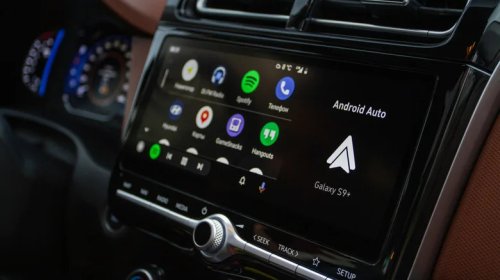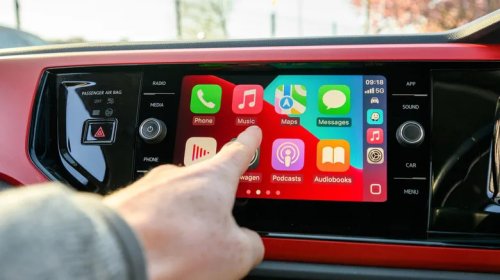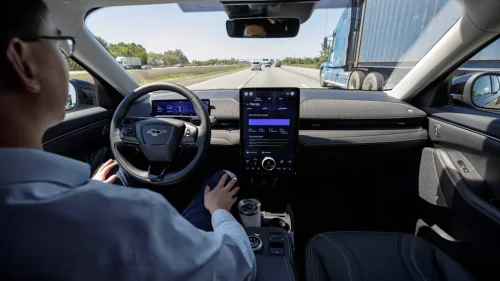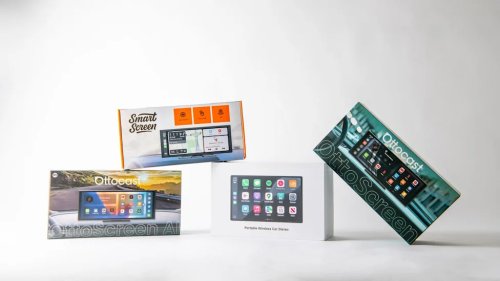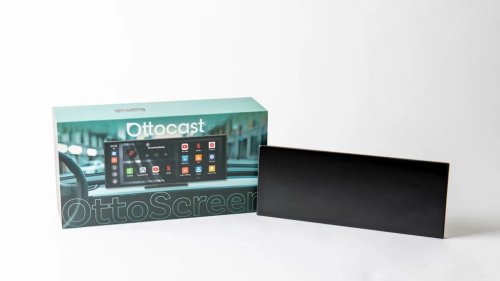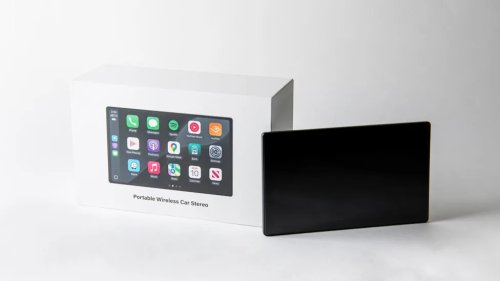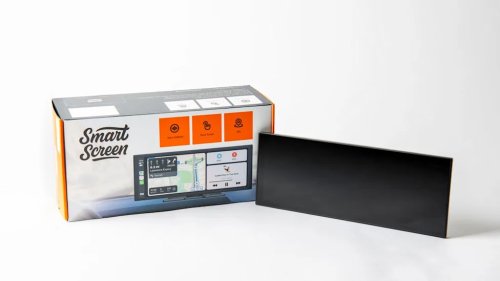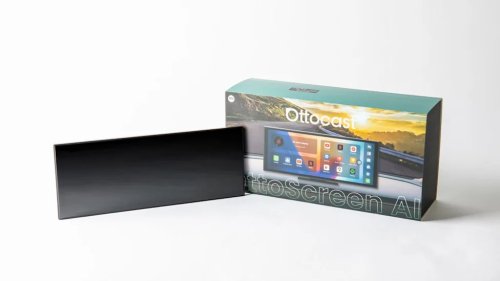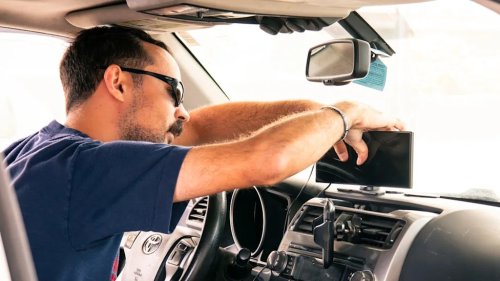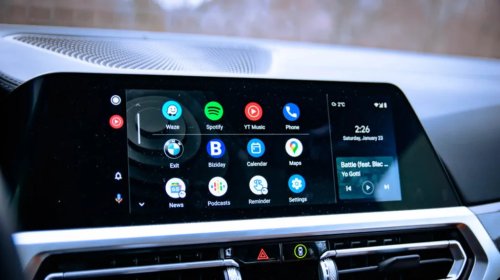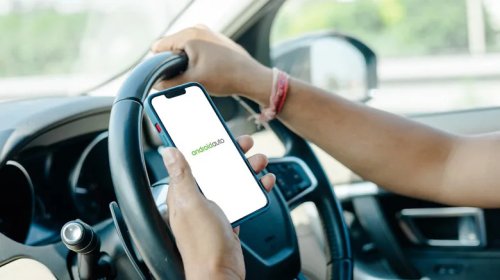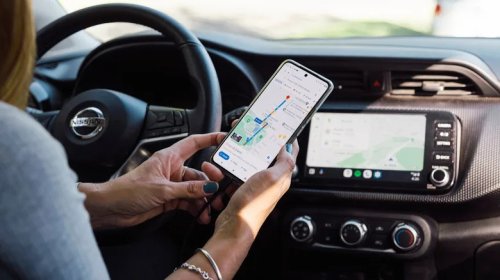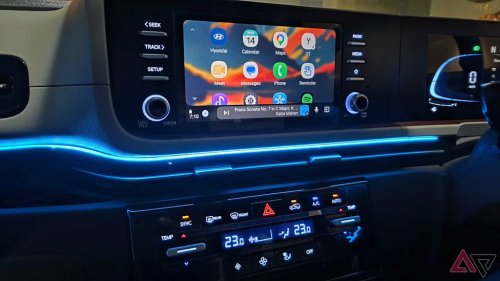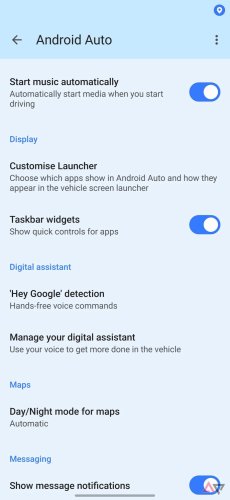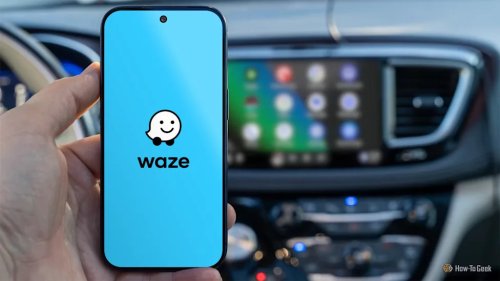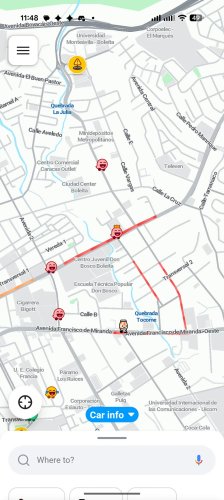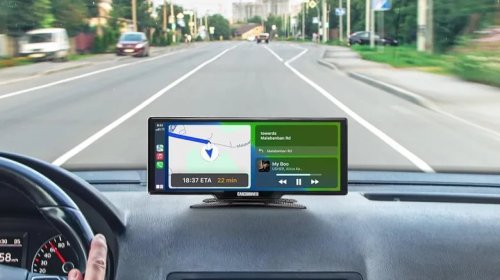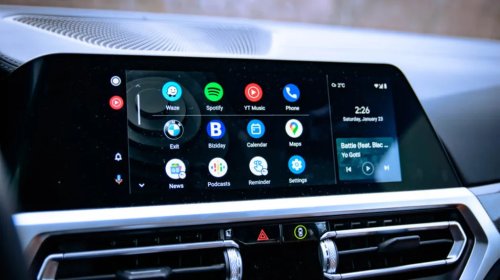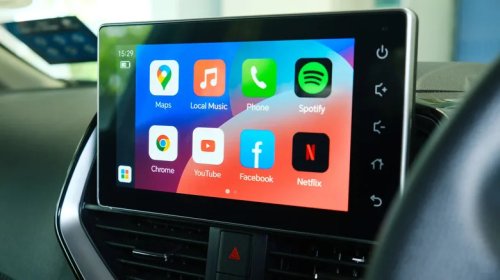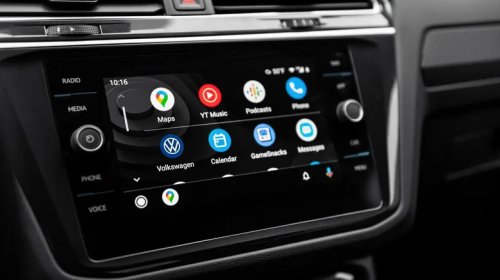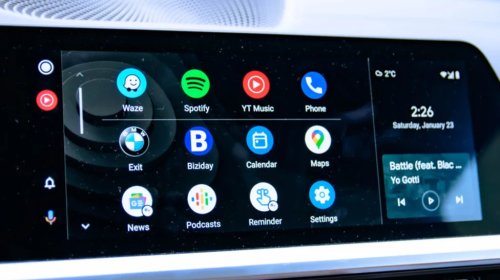
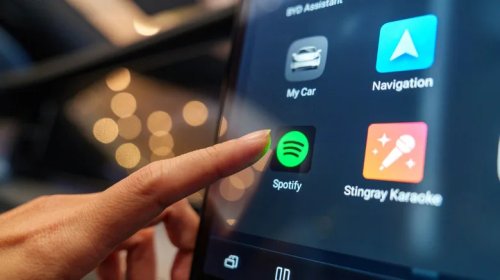



















3 Android Auto Features That Can Make An Older Car Feel NewBGRMatthew SholtzTue, September 15, 2026 at 4:17 PM UTCAdd us on GooglePJ McDonnell/ShutterstockYou can easily update any car to use Android Auto. Similar to using your smartphone as the main screen in your car, you can now also use your old tablet as an Android Auto head unit with the help of the Open Headunit app or a dedicated Android Auto smart screen to fill that role, like the Volam 11" Wireless CarPlay Screen at $120. You can connect your phone to that screen over Bluetooth or USB to use Android Auto like a typical infotainment system, and you can even control your car's sound system if you plug either screen into your car's AUX audio jack.Rest assured, even when you wire a third-party screen to your car for power and sound, you can still link it wirelessly to your phone for hands-free convenience. Yes, updating your car's hardware requires an investment. However, you can still come out ahead instead of installing an entire new entertainment system that can easily cost $500 or more, since smart screens are more affordable and can be plugged in externally rather than expensively installed inside your dash.Once you have such a screen plugged into your car, all of the transformative modern-day Android Auto features, like real-time navigation, hands-free voice controls, and even integrated streaming, are now available at your pleasure. By adding modern conveniences to a space where they previously didn't exist, these three Android Auto features can help eliminate the feeling that your dashboard is aging by making your older car feel new. Best of all, such a setup is cheap to upgrade, much more than a built-in infotainment system that manufacturers often abandon within a few years, leaving you in control of your hardware and software and not the other way around.AdvertisementAdvertisementRead more: Tired Of Google Messages? These 4 Texting Apps Might Be Better For YouReal-time traffic and navigationAndriy Baidak/ShutterstockOnce you install an Android Auto screen in your car to connect from your phone, wired or wireless, you gain control of the platform, bringing features like real-time traffic and navigation to your dash. No matter if you are a Google Maps stan or prefer Waze, through their Android Auto support, you can take advantage of real-time turn-by-turn navigation alongside user traffic reports, which are two of the biggest reasons both of these map apps are so popular, now fully functional in your older car with the help of a third-party screen.So instead of printing maps like people used to with MapQuest because your older car doesn't offer a screen compatible with Android Auto, you can enjoy the modern convenience of real-time navigation to map out your route. Then you can watch that data transmit to your newly installed screen so you can route your way to your destination in modern style, which is why Google Maps is an essential Android Auto app to install. Even if your car was built with an older nav system, it often requires manual updates and likely isn't receiving them anymore. Even if updates exist, why waste time fussing with old tech and manual software installs when you can easily slap a supported screen on your dash and use modern Android map applications that receive frequent updates and plenty of new features?This way, you and your old car can live a modern life with live rerouting and traffic alerts, so you stay on schedule, with a large screen showing your whereabouts at all times, rather than squinting at tiny text on your phone or manually configuring an outdated navigation system.Voice controls and assistant accesssergey kolesnikov/ShutterstockEven if your old car is lucky enough to house a factory navigation system in your dash, back in the day these systems required some very specific voice commands to work correctly, if they supported voice controls to begin with (many don't). Or maybe your car never contained fancy electronics in the dash. Either way, the core problem is the same: your car feels outdated without the convenience of voice controls.AdvertisementAdvertisementThis is where Android Auto comes in, through a third-party screen installed on your dash. Just like with real-time traffic and navigation, once you have a supported screen that can handle Android Auto through a connection to your phone, you can start to take advantage of its best and brightest features, like hands-free voice controls and assistant access, with the benefit of split-screen support to handle directions and other apps at the same time, like Spotify or your favorite messaging app.So instead of fiddling with a touchscreen or picking up your connected phone, you can simply speak commands to get things done, making this one of the many Android Auto features that can make long drives easier. You can do so with language that is conversation-like, allowing you to talk naturally to Android Auto, whether you are asking for directions, building a shopping list, or simply wishing to call a friend or family member. You can even ask your assistant to read your messages aloud, so you can handle incoming notifications hands-free. With voice controls at the ready, you can stay safer without taking your eyes off the road or your hands off the wheel, which is indeed a modern convenience worth adding to any older car to make it feel new.Integrated streamingTY Lim/ShutterstockAndroid Auto can integrate all kinds of streaming apps, like YouTube Music and Spotify, and with a dedicated Android Auto screen, you can connect your phone wirelessly or via USB. From there, the screen routes directly to your vehicle's audio system, be it through an AUX jack, Bluetooth, a radio transmitter, or even an old-school tape-deck adapter. In other words, you have countless options for connecting an Android Auto screen to your car's audio system. Then you can go hands-free with your phone's connection, not only for voice controls and assistant access (above), but also for controlling your streamed tunes, like browsing a playlist or skipping tracks.Even if your car offers an older integrated display, you still gain the advantage of a newer dedicated screen with a rich interface that can split-screen to control two apps simultaneously, like apps for maps and music, but it's also a large dedicated display to ensure things remain legible while driving — something older, smaller infotainment systems from decades ago simply can't compete with. Not only does this make it easier to glance at your screen, but it also offers large touch controls so you don't have to hunt and peck while driving, which is handy for changing tracks if voice controls aren't your thing.AdvertisementAdvertisementOverall, Android Auto's integrated streaming support is easily one of its best features, especially if you are looking to bring your old car into the modern day. Instead of fumbling with your phone or an aging center console, Android Auto's streaming support and dedicated screen can make your old car feel new with minimal investment.Enjoyed this article? Sign up to BGR's free newsletter and add us as a preferred search source or follow us on Google for the latest in tech and entertainment, plus tips and advice you'll actually use.Read the original article on BGR.