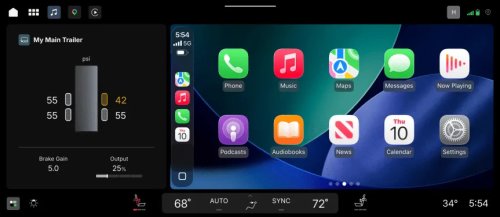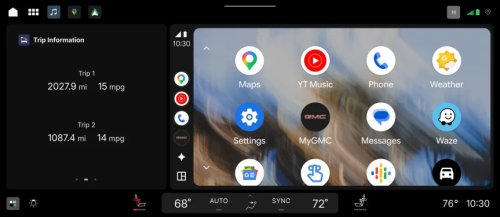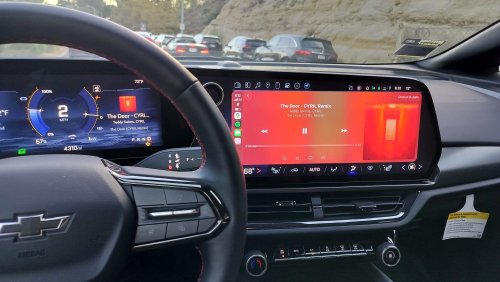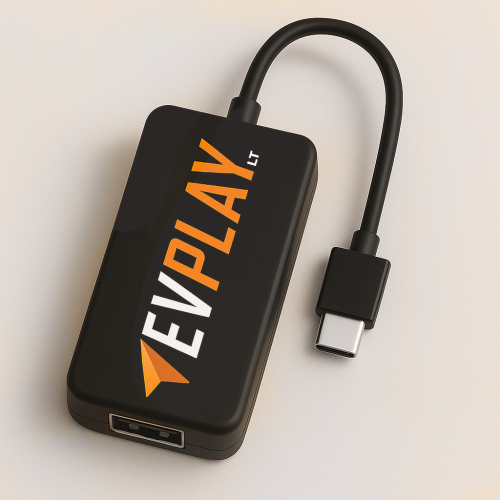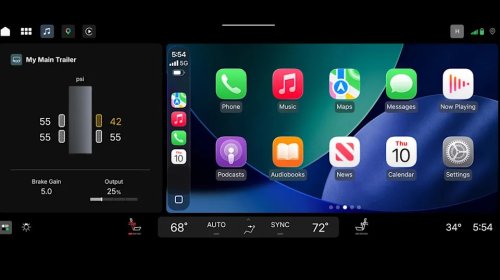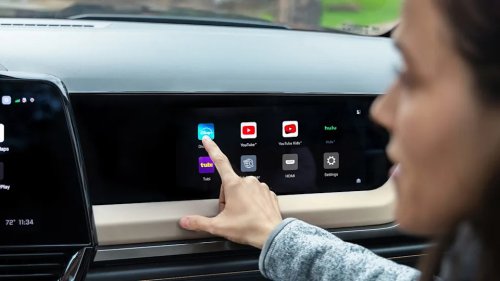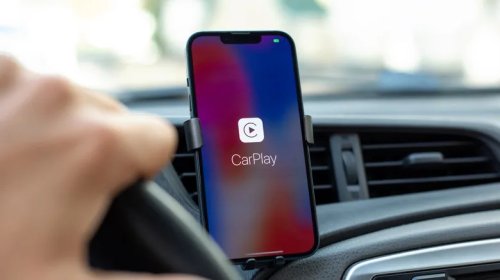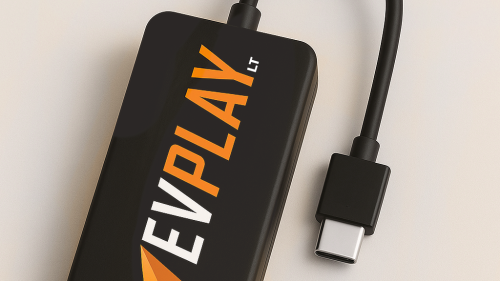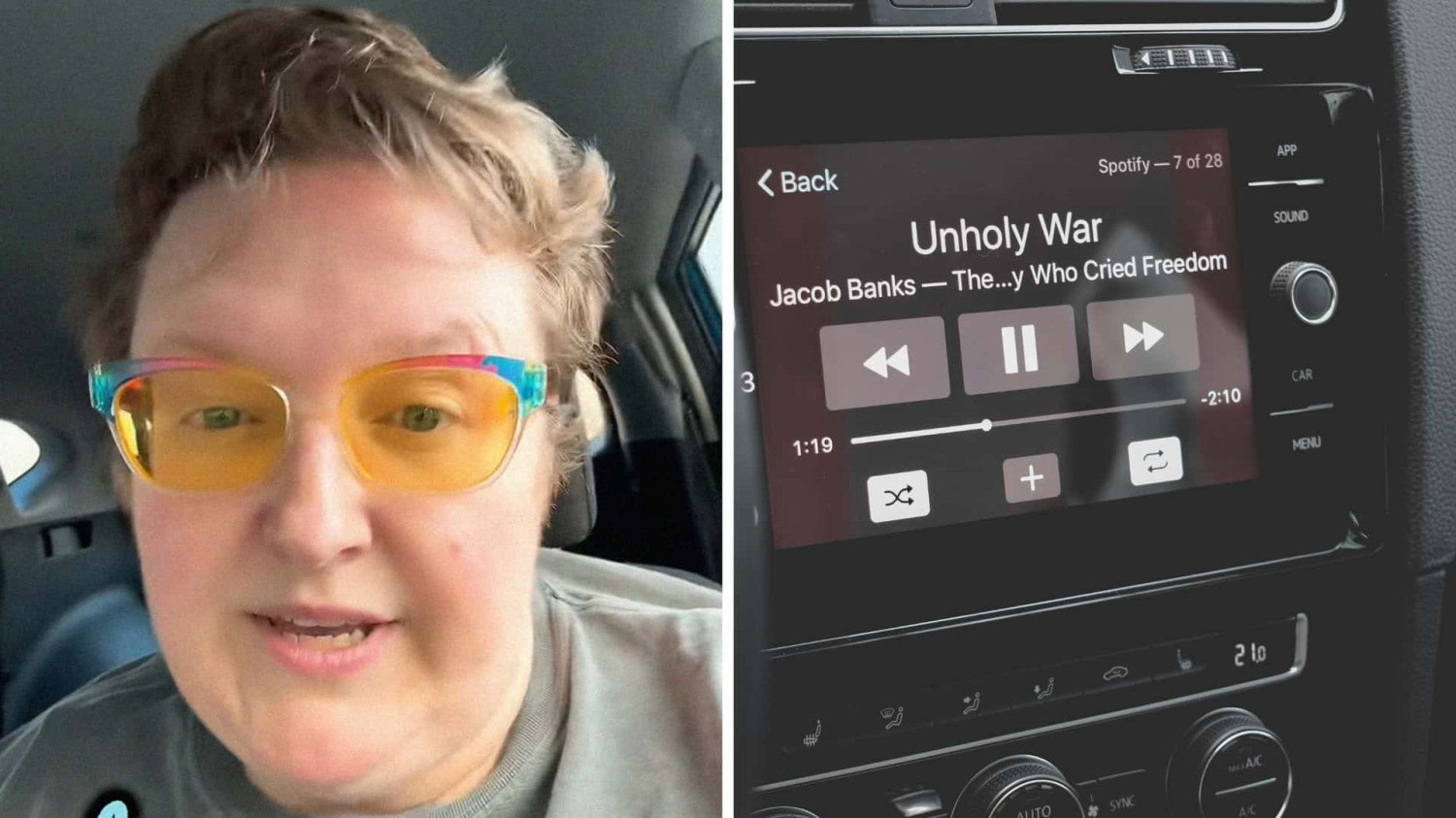
























The new iPhone update just dropped, and that means a few things: excitement for some of us, frustration and the familiar interior monologue, "it ain’t broke, don’t fix it," for others. No sooner does everyone’s iPhone get updated than the bugs emerge. So cookbook author and TikToker Charly (@charlyssa.thatsme) is getting proactive. It’s the kind of thing that drives a person crazy: the inability to listen to their 17th audiobook about Tudor history. Especially since daily commutes are, for many of us, the only personal time in hectic, exhausting days. And if your audio isn’t playing because the Apple CarPlay isn’t functioning, that’s enough to start your day all wrong. Over a caption that reads, "PSA, if you have an iPhone," Charly shares what she’s noticed after the recent Apple iOS 26 update. "If you have an iPhone and your CarPlay stopped working after the most recent update, you need a data cable," she says. Then she holds up what looks like a typical USB-C, but isn’t. She explains, "We tried every USB-C cable we could, and then we got a data cable and now CarPlay works like a dream." What Is A Data Cable? Though a data cable may look the same as a USB-C cable on the outside, on the inside, they’re two very different things. Anker explains that it’s a matter of functionality: some USB-C cables are only for charging, while a data cable (USB-C data) is used to transfer information. But first, USB-C is used to describe the connector itself, the part that slides into the power supply. It was changed to comply with European Union charging port standards by the end of 2024. At the time, Greg Joswiak, Apple's senior vice president of marketing, said they came into compliance because "we have no choice." Those whose CarPlay has stopped working may be able to get it running again with a USB-C data cord. However, before buying, you’ll still want to read the description and make sure you’re buying what you need. Troubleshooting CarPlay People were unsurprisingly annoyed over the latest iPhone update. "It’s like Apple tells you over and over again that they hate you, and you still go back," said AnitaKills. Charly replied, "I know. I’m a sucker for consumerism." Some offered unconventional "solutions." "Good thing my car is too old for CarPlay," offered Adyson Ocker. Lisa and Jackie agreed that iOS 18 is the system to live with. Users also commented on various operational and CarPlay problems they’ve encountered, along with the varied solutions that seem to work. Included are things like: turning your iPhone on and off; restarting the car’s computer (Jeep-specific in this example); and uninstalling and reinstalling the application. If your CarPlay isn’t working, Apple says to check your vehicle's settings, connection, and compatibility. Many of its suggestions echo those posted in the user comments on Charly’s post: uninstall and reinstall CarPlay, ensure CarPlay isn’t restricted, and ensure your vehicle’s firmware is up to date. Apple also notes, "You can use the USB-C to Lightning Adapter with wired CarPlay in most vehicles. However, some combinations of adapters, cables, and vehicle entertainment systems might disrupt the wired CarPlay connection. In this situation or for cars that support only wired CarPlay, use a direct connection with a USB cable." While some of us might live for the moments of silence, most of us want something to listen to. So it might be worth making sure your audio is working…before you’re on your morning commute, trying not to be late. Via TikTok direct message, Charly told Motor1 that she figured this out via "a lot of trial and error." "Reading from other people having the issue, and when we laid it all out it felt like all the issues had the same root cause. It's about data transfer, so then we took a shot on the data cable and celebrated the rest," Charly added. Motor1 reached out to Apple via media email. We’ll update this if they get back to us. We want your opinion! What would you like to see on Motor1.com? Take our 3 minute survey. - The Motor1.com Team