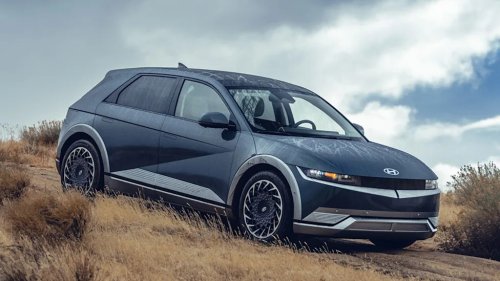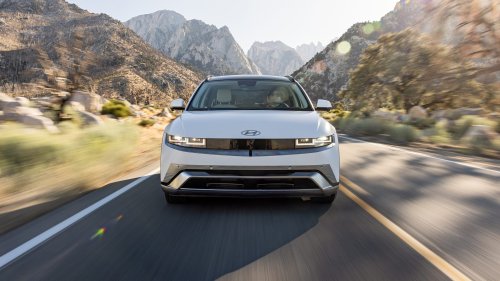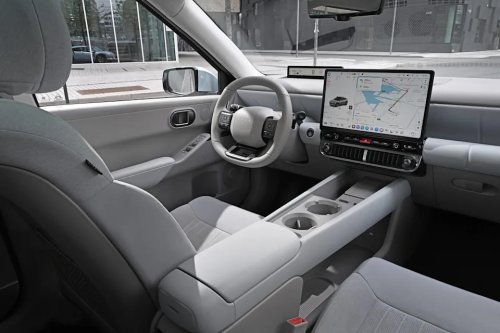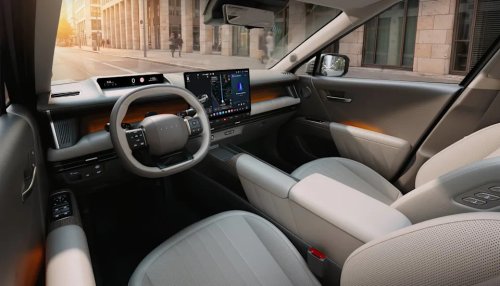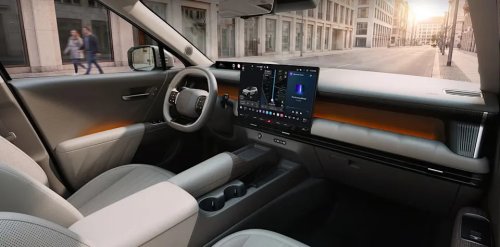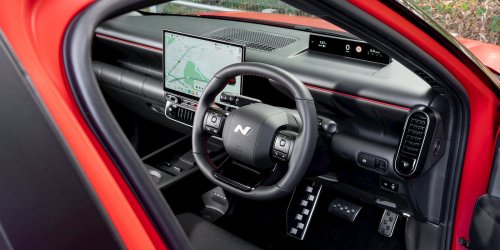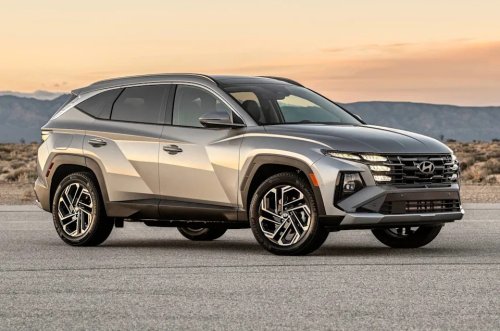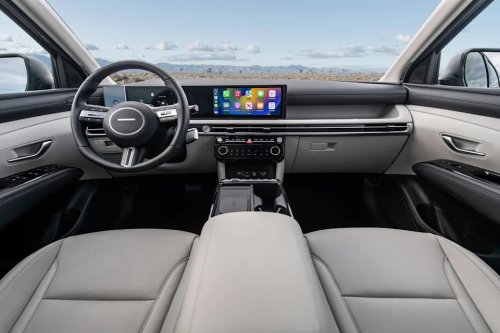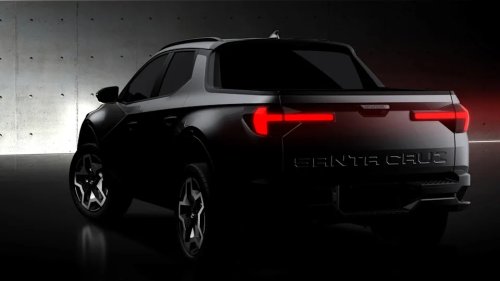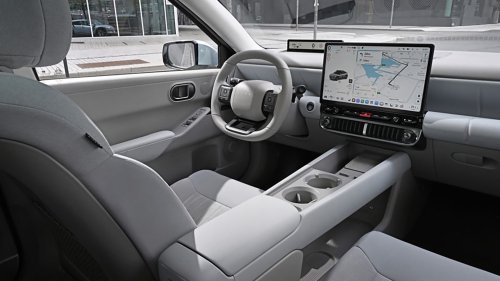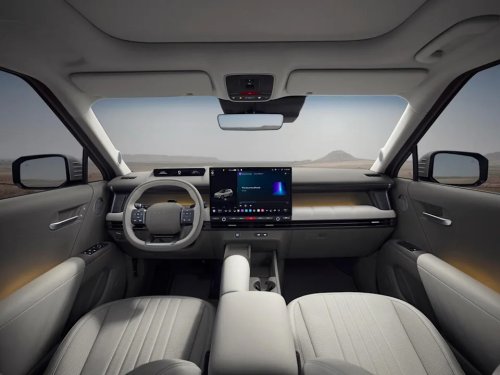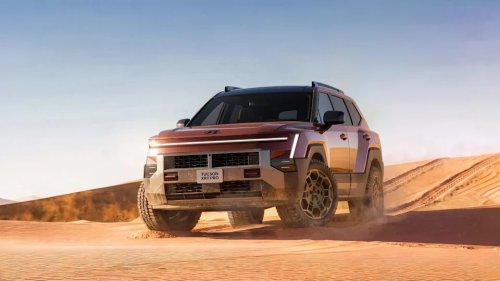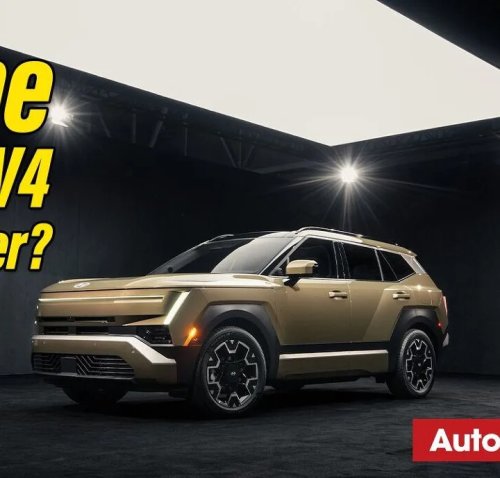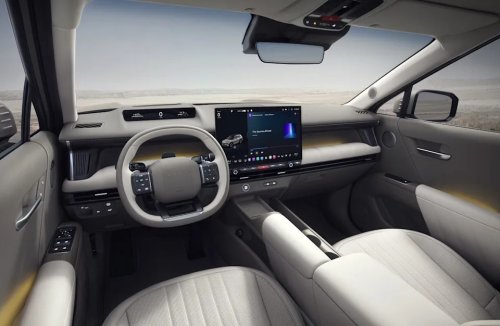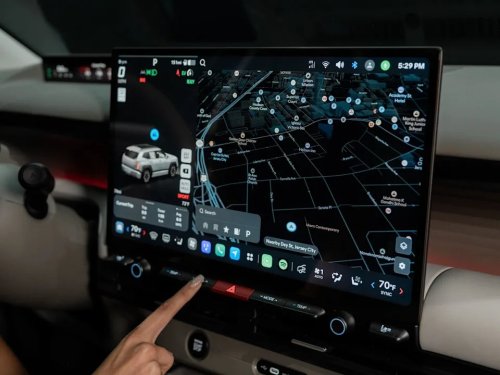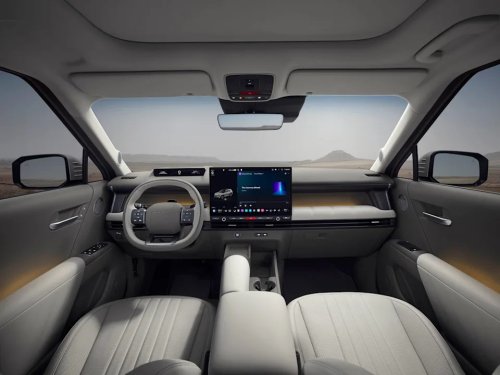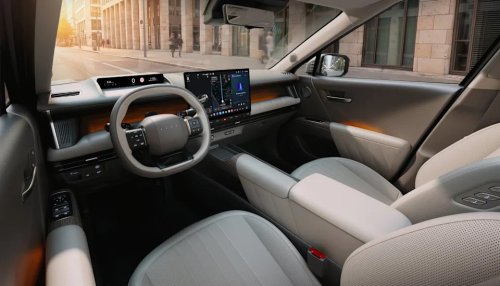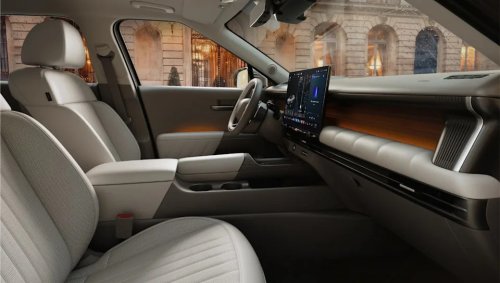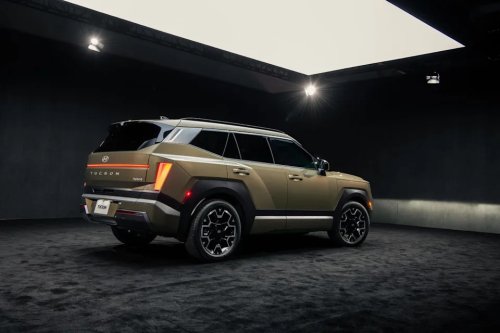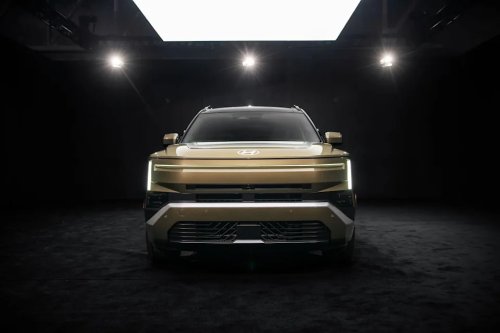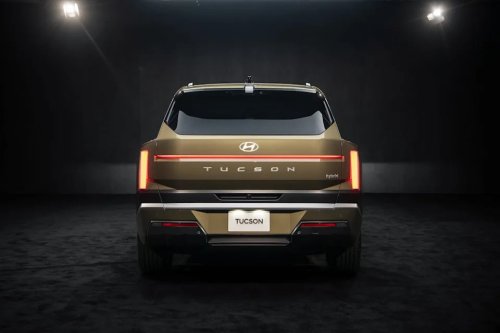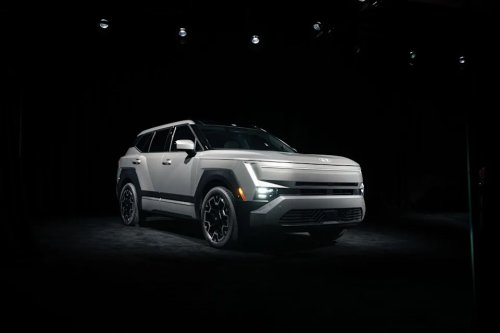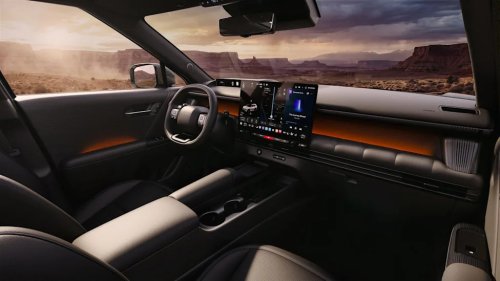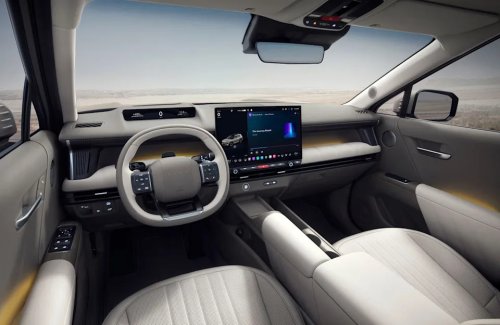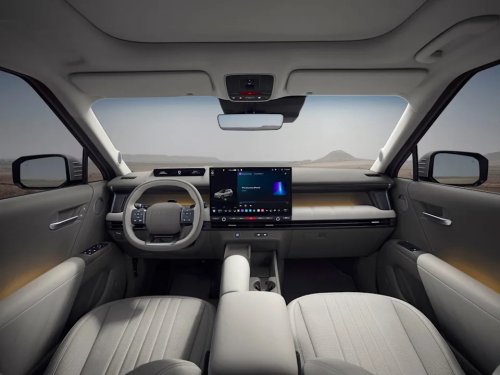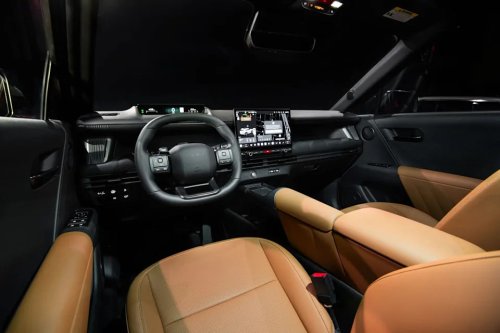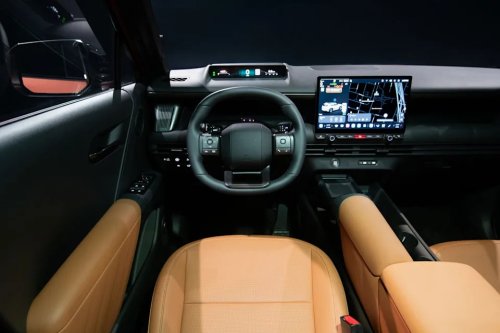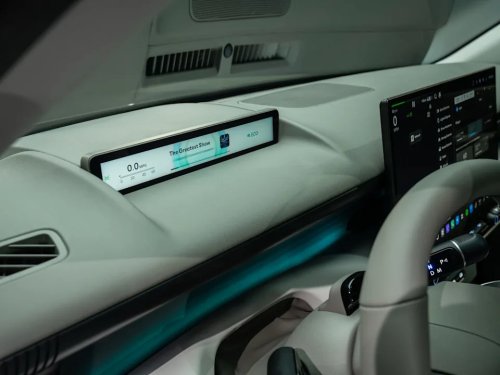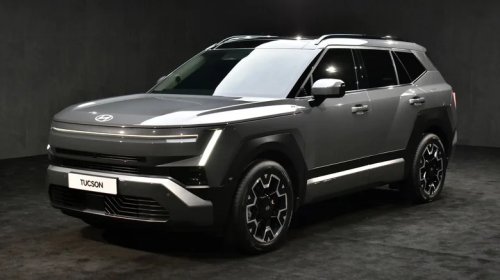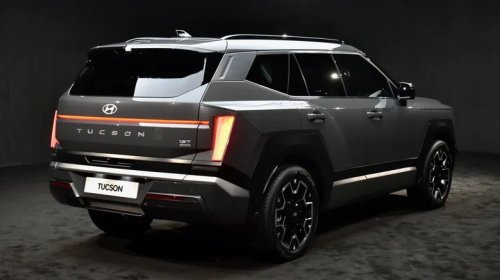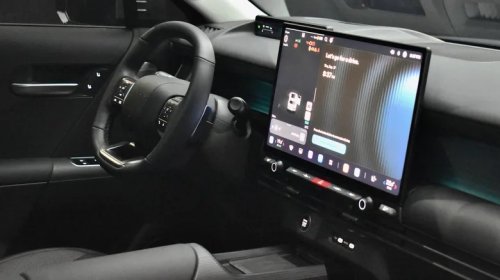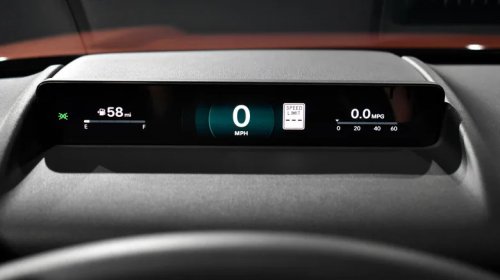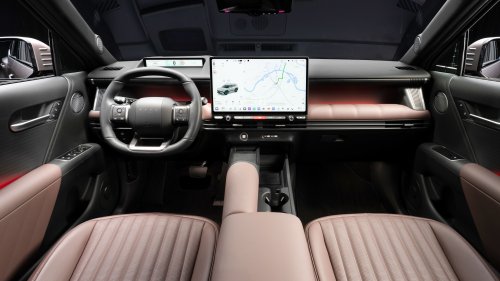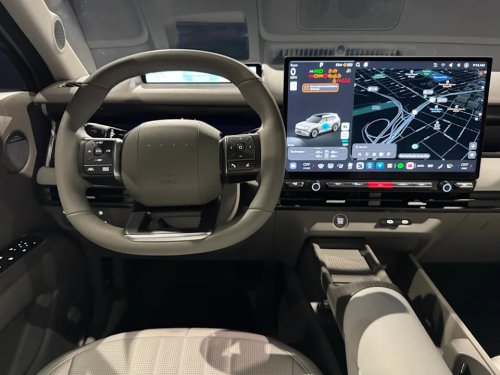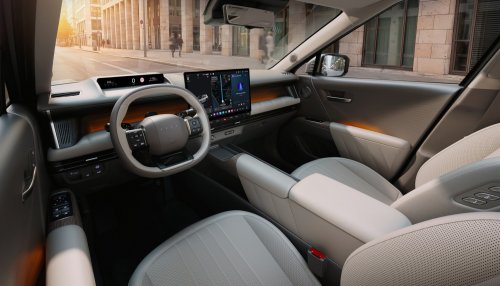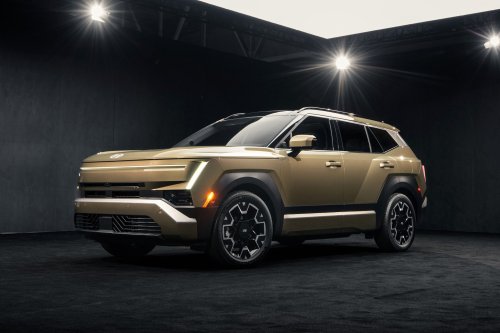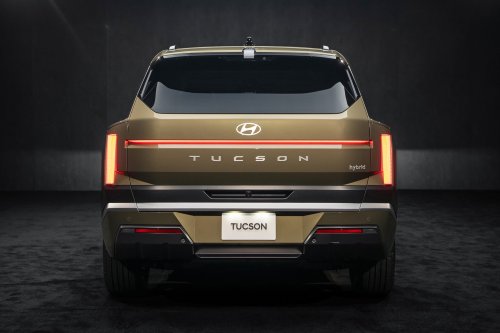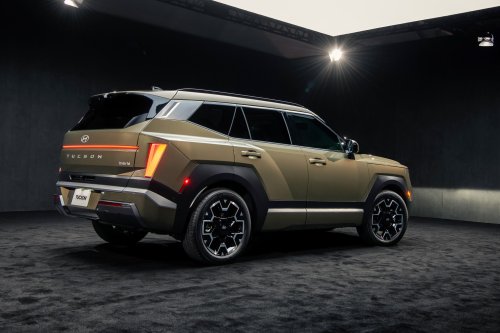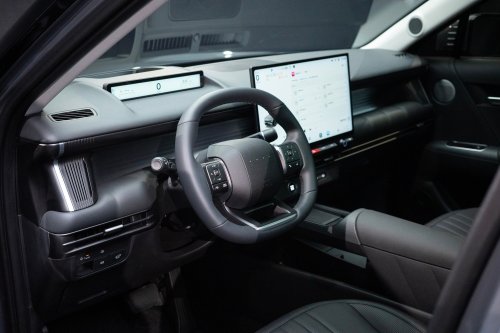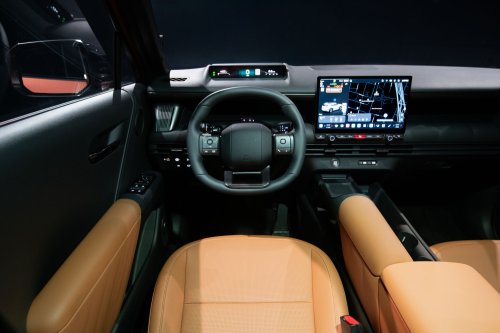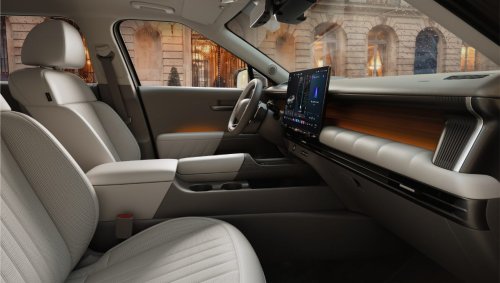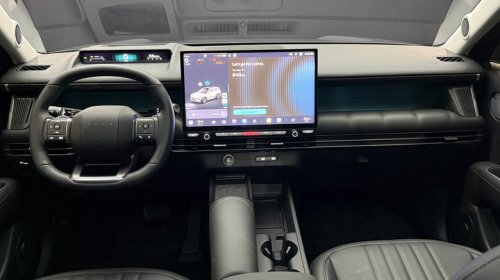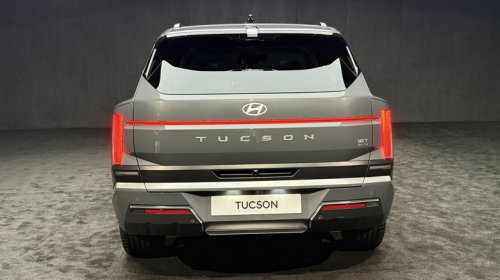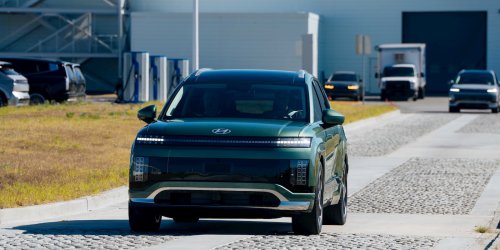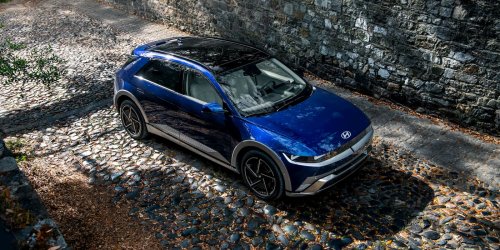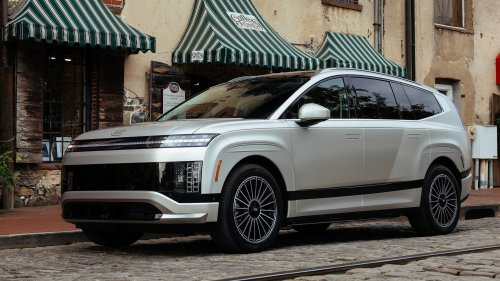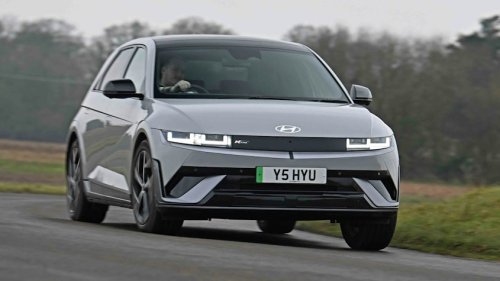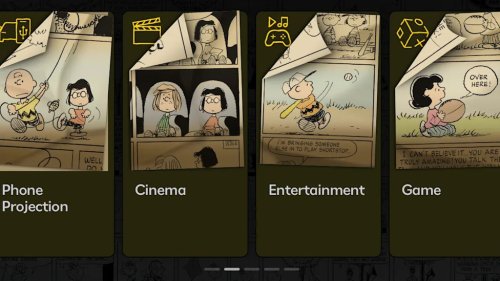
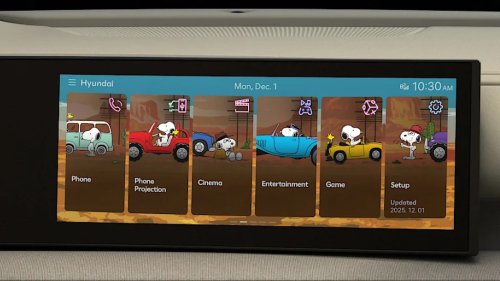
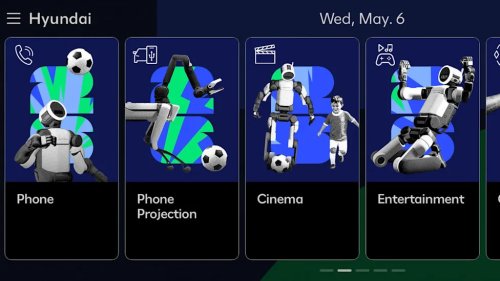
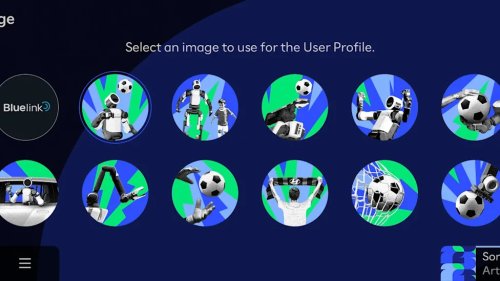
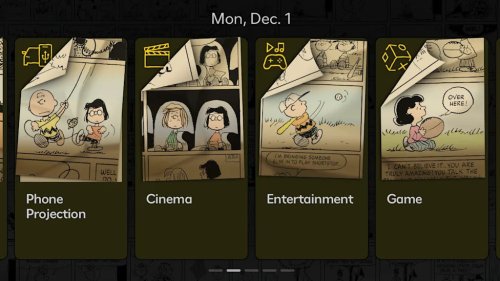
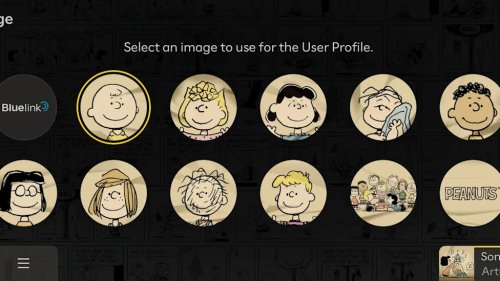



















Hyundai Expands Bluelink Display ThemesHyundai Motor Company - MotorTrend (Hyundai Motor Company - MotorTrend)In this age of software-defined vehicles (SDVs) and over-the-air (OTA) updates, personalizing a car to suit your tastes is getting easier all the time. Just select an app or digital feature from a manufacturer’s online store, and it’s applied almost instantly with no fuss. Hyundai’s latest customization feature, called Display Themes, is expanding to more models through the automaker’s Bluelink Store and Bluelink Plus. New themes feature iconic Peanuts characters, the brand’s historic Hyundai Pony car, and Hyundai’s partnership with FIFA’s 2026 World Cup. There is, however, a catch when it comes to which vehicles can access them.The good news is that most of the themes are free, including the FIFA World Cup 2026 Display Theme, which features soccer-playing Boston Dynamics Atlas II and Spot robots, a fitting tie-in given Hyundai’s major investment in the company. The other free themes are the Hyundai Pony theme, with imagery and iconography inspired by the 1970s Giugiaro-designed classic, and the Nature theme, which leans on calm visuals and organic elements.A Peanuts Theme That Isn’t Peanuts in PriceThe Peanuts themes, however, are a set of three display designs priced at $25 each. Snoopy Universe features Snoopy and Woodstock in classic poses and road trip scenes. Charlie Brown and Friends spotlights Charlie Brown alongside Lucy, Linus, Franklin, and others in the black-and-white and color tones of the original comics. Road Trip follows Charlie Brown’s globe-trotting beagle across Route 66 with classic cars, desert skies, and timeless Americana rendered in 1950s Peanuts style. The good news is that these are lifetime purchases, just like the free themes, and only need to be downloaded to the vehicle once via OTA.You Need the Right Screen and Bluelink SoftwareAbout that catch. To be able to download the themes, you need Bluelink Plus and a vehicle equipped with Hyundai’s Connected Car Navigation Cockpit (CCNC), the wide, curved dual-screen display that houses both the digital instrument cluster and the infotainment touchscreen. That means these themes are limited to the latest versions of the Tucson starting with the 2025 model year, Santa Fe from 2024 on, Santa Cruz from 2025 on, and Ioniq 5 from 2025 on. The 2023-and-newer Ioniq 6 can also download and use the themes, while the Ioniq 9 and Palisade are offering them beginning with the 2026 model year.AdvertisementAdvertisementSadly, if your vehicle uses an older version of Bluelink, typically anything older than the 2023 model year except the Ioniq 6, you won’t be able to download and use these themes. That’s why, for example, the Ioniq 5 is limited to 2025 and newer models despite older versions having a dual-screen setup.You Just Need the BasicThe positive news is that if you have the right screen, you own one of the listed Hyundais with the right model years, and you have Bluelink Plus, you don’t need anything beyond the Basic version of the software. That’s the free base layer of vehicle connectivity your Hyundai keeps even if you bought it secondhand.Original owners get Bluelink Plus Advanced at no extra cost for as long as they own the vehicle, but that level of service doesn’t transfer when the vehicle is sold. Second owners can get Bluelink Plus Advanced free for three months, but after that it costs $12.99 per month. Although you don’t need the Advanced version, it does, however, add connectivity features such as remote start and climate control, remote lock and unlock, Car Finder, Digital Key, and EV charging management for Hyundai EVs.Although Display Themes is something of a toe dip into customizing your Hyundai, we can see these sorts of offerings only expanding in the near future.Photo credit: Hyundai Motor Company - MotorTrendPhoto credit: Hyundai Motor Company - MotorTrendPhoto credit: Hyundai Motor Company - MotorTrendPhoto credit: Hyundai Motor Company - MotorTrendAdvertisementAdvertisementPhoto credit: Hyundai Motor Company - MotorTrend