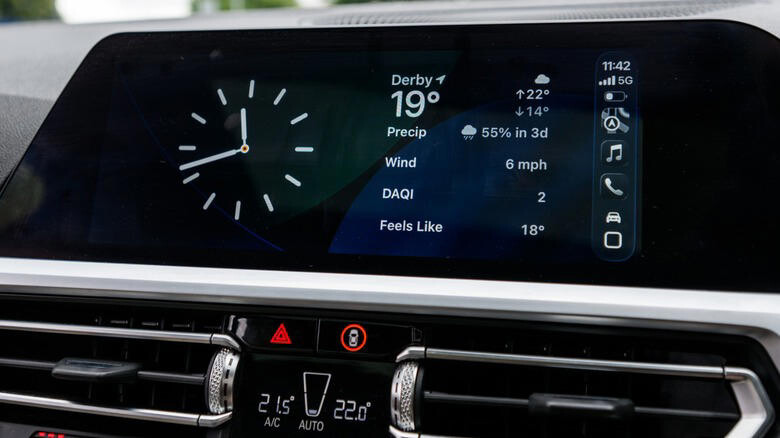
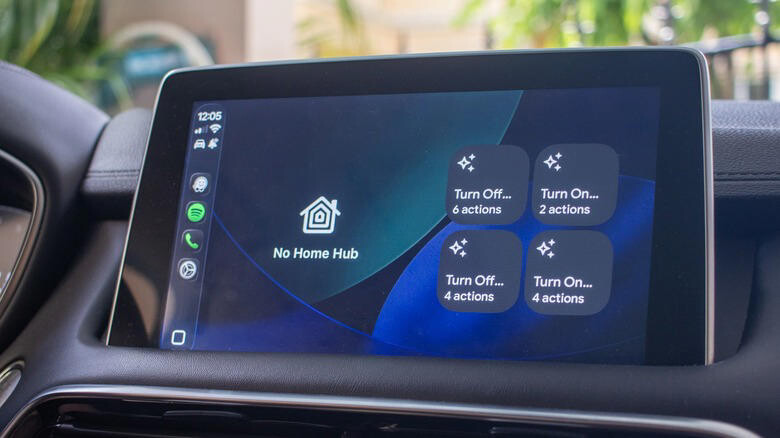
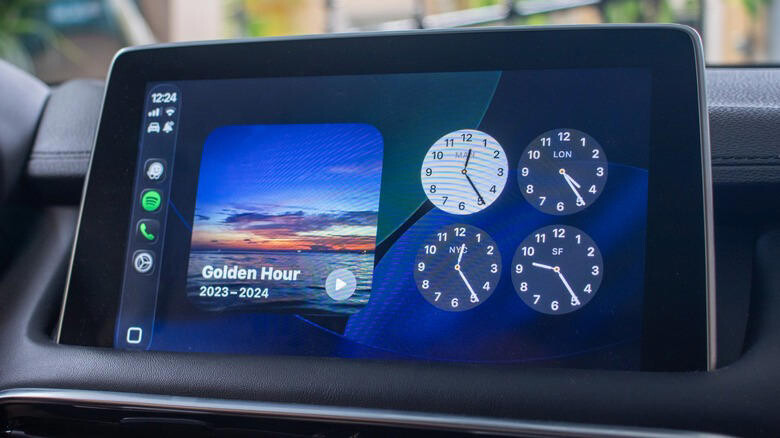
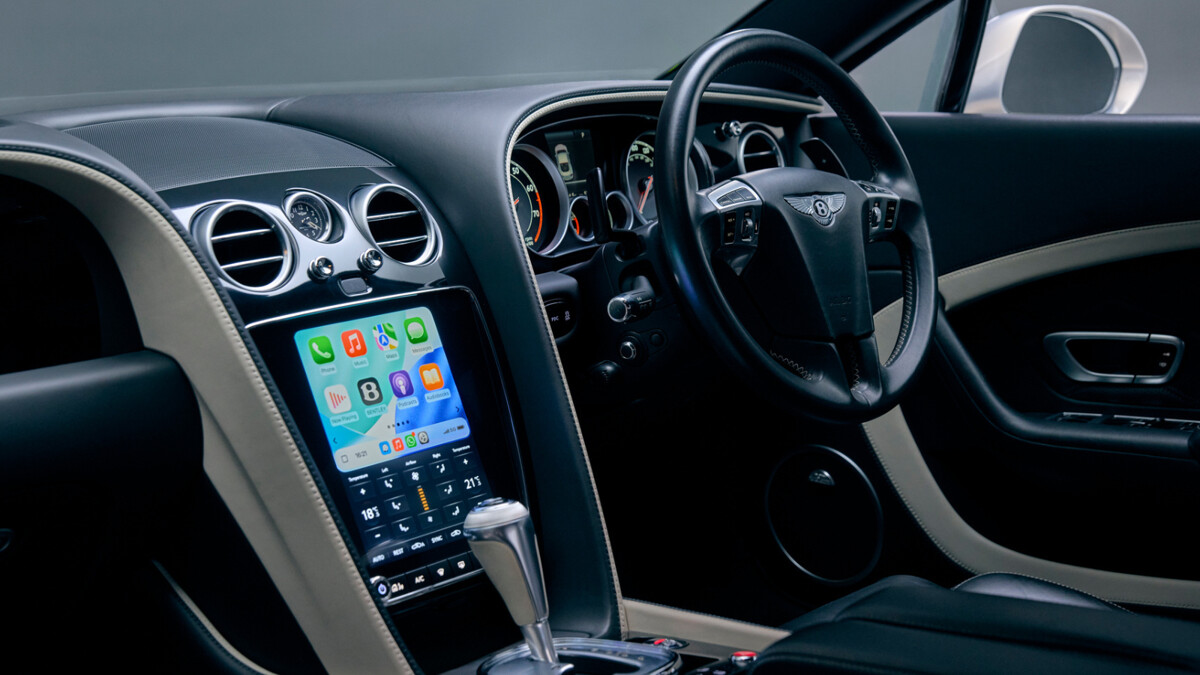
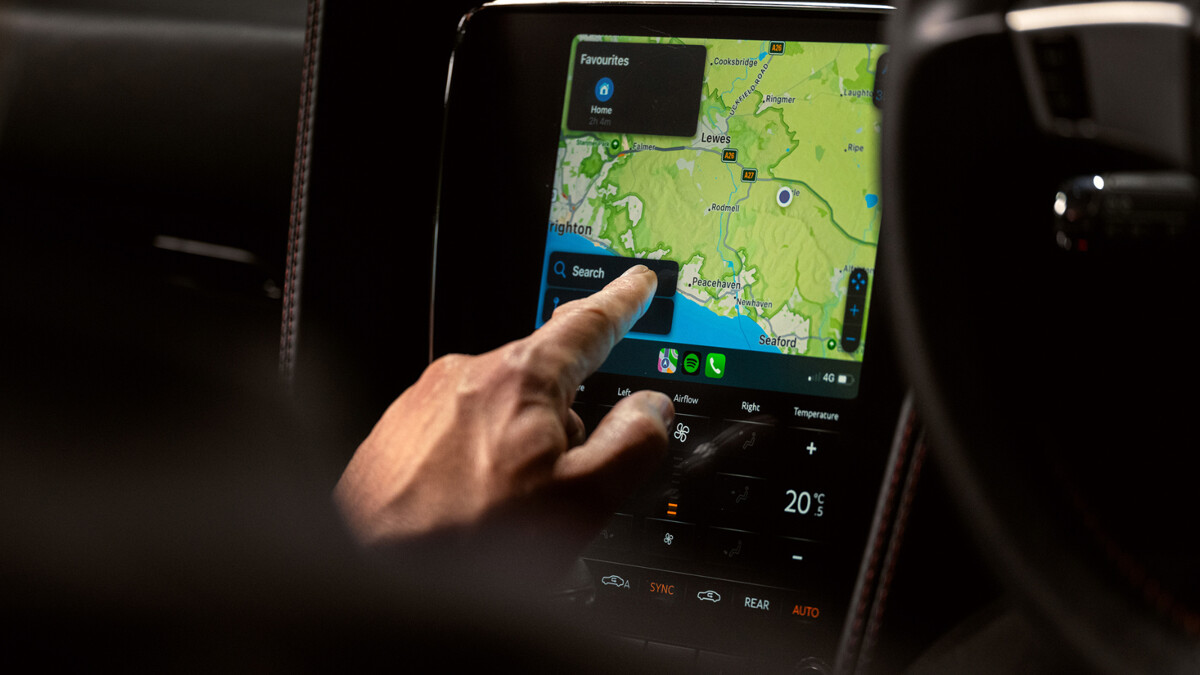
CarPlay is an essential tool for many iPhone users since it puts your favorite apps right on the car's dashboard. There are dozens of apps compatible with CarPlay, and while map and navigation apps are probably the first that come to mind, CarPlay also supports music and podcast apps for listening to your favorite playlists and shows while you drive. With iOS 27, the audio app experience on CarPlay has gotten a lot better thanks to the new persistent mini player in the upper-right corner of the screen offering quick access to playback controls. But outside of Apple Music, there are other music and podcast apps you should try in CarPlay. 1. Spotify Bence Bezeredy/Getty Images You can't talk about music apps without mentioning Spotify, which is not only the world's leading music streaming platform but also the main rival to Apple Music. Many people like it because it offers a free tier, so you can listen to songs without paying — though this means you'll hear ads during playback. Spotify also has a CarPlay app, so you can listen to your favorite songs or find new ones right from your car's dashboard. Spotify also brings audiobooks and podcasts into its experience so you don't have to switch between apps for different audio purposes. Apple, on the other hand, splits songs and podcasts between different apps. There's no right or wrong here; some people might prefer to have everything in one place. You can download Spotify for free on the App Store. For an ad-free experience, the Premium subscription costs $12.99/month, which also enables lossless audio and offline playback. 2. SongCapsule Filipe Espósito for Engadget SongCapsule is one of those indie apps you can only find on iOS, and it's especially useful for Apple Music subscribers. It brings songs you haven't listened to in years back to your attention with playlists tailored to your tastes, sorted by genre or artist. The service helps you rediscover your music library by acting as a personal DJ. You can create new playlists based on your own criteria or simply play your entire library on shuffle. And as you won't be surprised to learn, it also has a CarPlay version. A big plus for SongCapsule is that the app is a one-time $5 purchase, with no recurring subscriptions. It also works with iPad, Mac and even Vision Pro. Those who don't subscribe to Apple Music can still use the app with a local music library. 3. VLC Filipe Espósito for Engadget VLC has become well-known for supporting many different codecs and formats, including FLAC and AC3. It's also a free, open-source app with no subscriptions or ads. Because it's open-source, you can find VLC available for pretty much every platform, from macOS to Windows, iOS and Android — and of course, CarPlay. Inside CarPlay, the VLC app lets you organize your library by artist and playlist, and transferring your files is super easy; you can do it from the Files app or using a computer. You won't find curated playlists or anything like that, but if having all your music downloaded offline is what you're after, VLC is the way to go. 4. Pocket Casts Filipe Espósito for Engadget CarPlay comes with Apple Podcasts built-in, but many podcast fans consider it too limited. If you want to enhance your podcast listening experience, Pocket Casts is an offering clearly made by people who listen to a lot of podcasts. It's free to download (though there's a paid subscription) and works with CarPlay. You get features like trimming out silences, adjusting playback speed and creating your own filters that automatically sort episodes. The CarPlay app mirrors everything from your iPhone, so the queue and filters are exactly the same and you don't have to reorganize everything. There are also episode cover art images available in the CarPlay app — a useful detail for shows that split episodes into segments, each with its own artwork. If you really like the experience, the subscription adds cloud storage so you can upload your own audio files. 5. TuneIn Filipe Espósito for Engadget Radio stations may not be as popular as they used to be, but that doesn't mean they're dead. Instead, many radio stations have moved online with live streaming. TuneIn brings these stations to your phone and also to CarPlay. There are over 100,000 stations available from all over the world, and listening to them is free with ads. You can use TuneIn to listen to your favorite local station when you're traveling or to discover new stations from other parts of the world. Any station you bookmark on your iPhone will show up in the CarPlay app, making it easy to find them while you're driving. There are also options to organize by categories such as news and sports, and you can ask Siri to play a specific station on TuneIn — all hands-free. TuneIn is a free app, but there's a $9.99/month subscription that unlocks live sports and audiobooks. The paid version also cuts down the number of ads while you listen. If you already have any of these apps on your iPhone but don't see them in CarPlay, open Settings on your iPhone and go to General. Then, tap CarPlay, select your car from the list and choose Customize. If the app you're looking for is in the bottom list, tap the green Plus button to add it to CarPlay, then sort as needed. Found this useful? Sign up for Engadget's free newsletter for more tech news and guides delivered straight to your inbox. You can also follow us or add Engadget as a preferred search source on Google.

 Liked by Daniel Carter, Jackson Leblanc
 Liked by Daniel Carter, Jackson Leblanc